
Major Updates
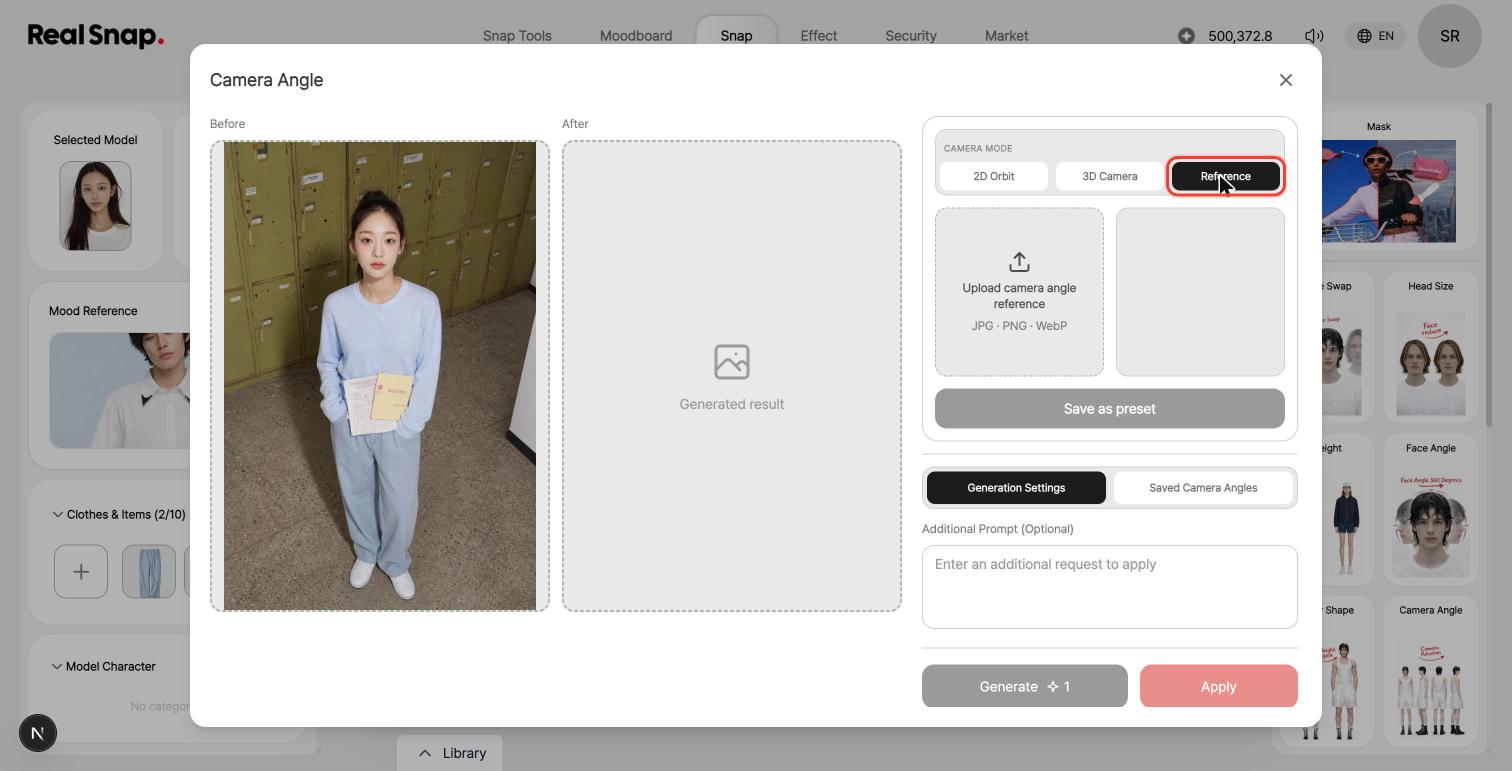
- You can set the camera angle using a photo from your desired angle. Upload a photo with your desired composition to the Reference tab, and images will be generated following that photo’s camera angle and framing. A full-body photo will be matched as a full-body composition, and an upper-body photo as an upper-body composition, while keeping the model, outfit, and background unchanged. You can save frequently used angles as presets and select them instantly from thumbnails. You can use it the same way in Camera Angle within detailed editing.
Usability Improvements
- You can now use My Poses in ACC Lookbook as well. You can select your saved poses in ACC Lookbook projects in the same way.
- You can view mood results together in Library History. Results from mood tasks are stored together in Library History, so you can find past work in one place.
- If you don’t have enough credits, we’ll let you know in advance before generation. We now check whether you have enough credits before you press the Generate button, reducing cases where generation starts and then fails.
Quality and Stability Improvements
- We now explain the cause more quickly in some generation failure cases. Conditions that make generation difficult are shown right away before starting, so you can try again without waiting.