
Major Updates
- Try each feature hands-on from 'How to use' on every screen. Snap's 6 modes, the 4 Effect tabs, Snap Tools, Moodboard · Moodcrate · Moodmatch, and Security all open that screen's guide from the same spot.
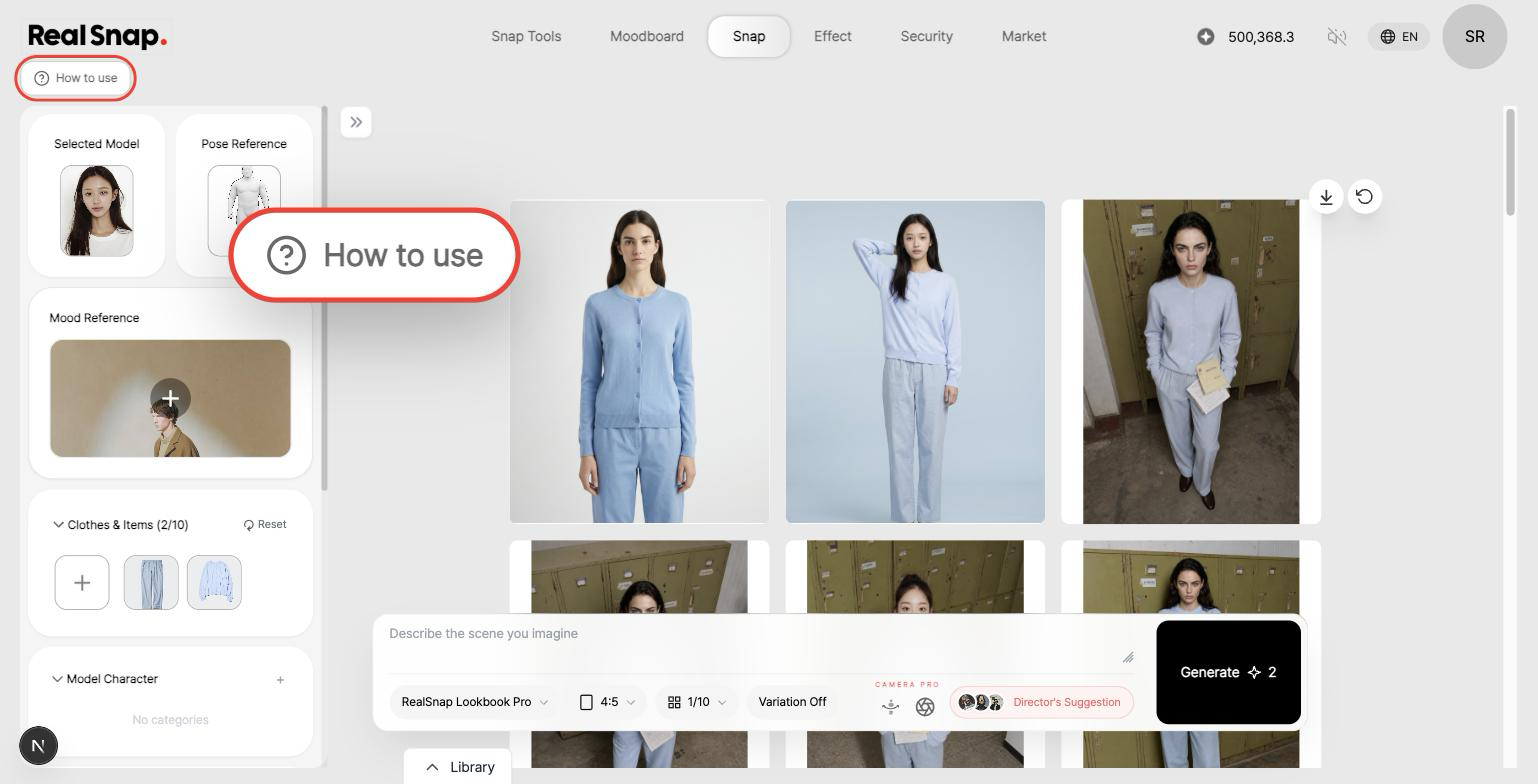
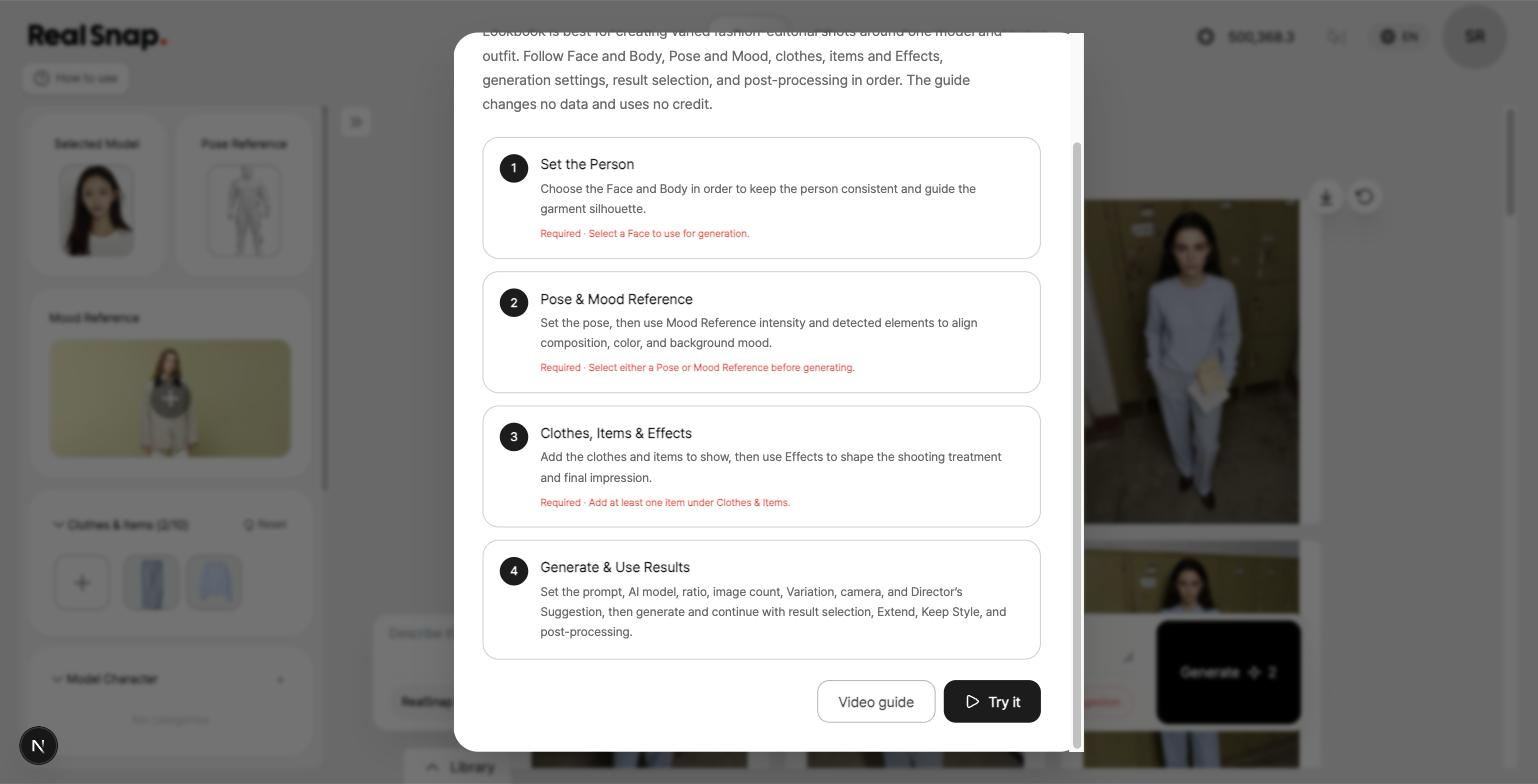
- It lays out the screen's full flow in four steps first. Press 'Try it' and the guide points to exactly where to click, step by step — from setting the person and choosing references to generating and using the results.
- Nothing is generated and no credits are used during the walkthrough. Guides run on prepared sample images and sample results, and your work in progress is neither changed nor saved, so you can safely learn a feature before using it for real.
- Watch the video guide for a feature in the same place. Where a video is available, you can play it from 'Video guide', then continue into the step-by-step walkthrough or open the full guide document.
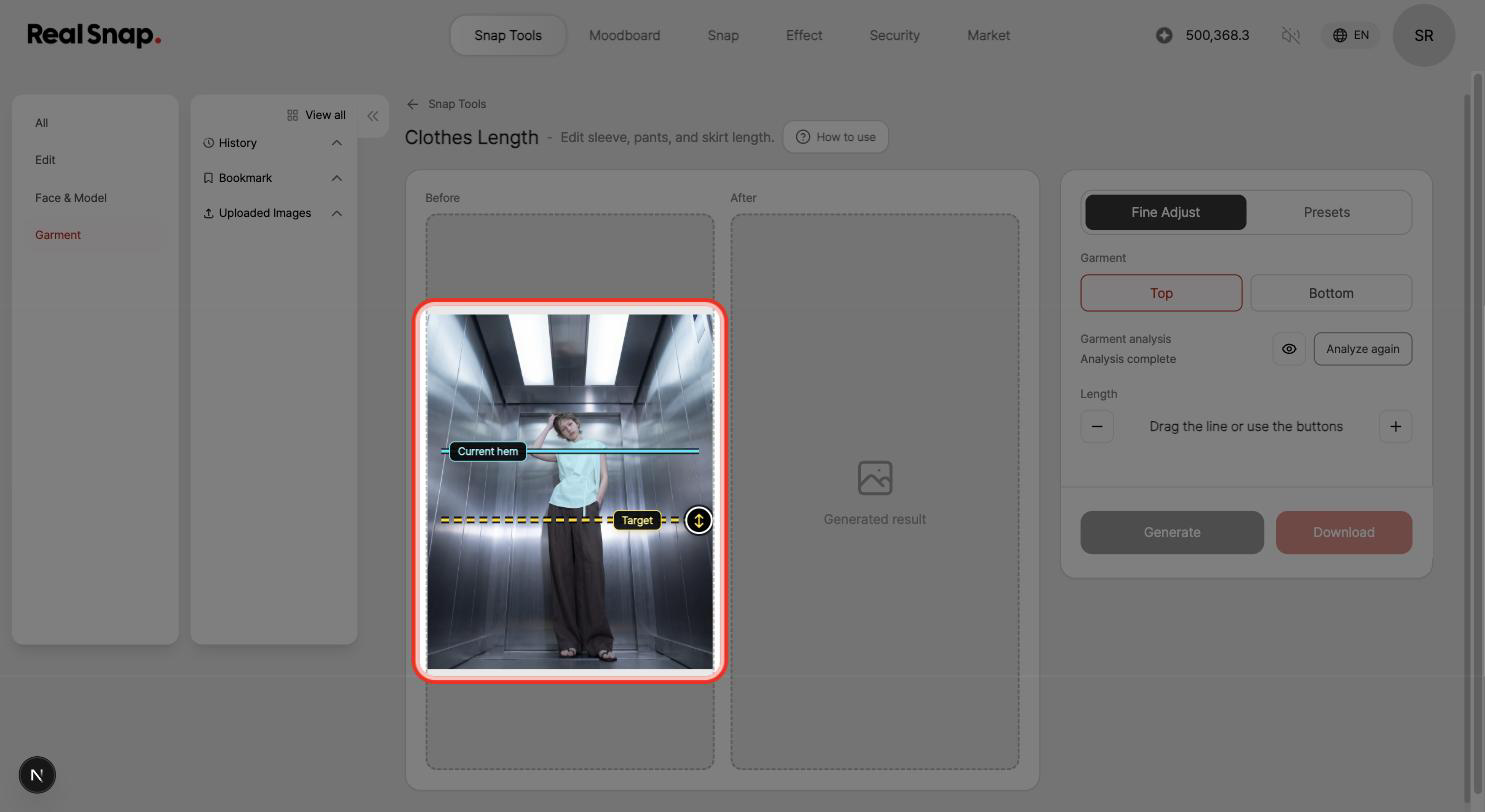
- Fine-tune garment length to exactly the position you want. Analyzing the top or bottom shows the current hemline and a target line over your image. Drag the target line or use the +/- buttons to set the length you want, then generate to get a result with only the sleeve or hem length adjusted.
Usability Improvements
- Reference pickers now explain what to choose. Pose, Mood, Location, and Product reference areas — along with model face selection — now show what kind of image to pick and whether it is required or optional.
- Cleaned up wording on English and Japanese screens. In Snap Tools result selection and process screens, text that appeared in a different language than the one you selected now matches your language setting.
Quality & Stability Improvements
- Clearer reason when a missing reference blocks generation. If you try to generate when a Mood or Pose reference is required, we now tell you right away which item you need to select.