The Face Stayed the Same, While AI Redrew the Pose and Background
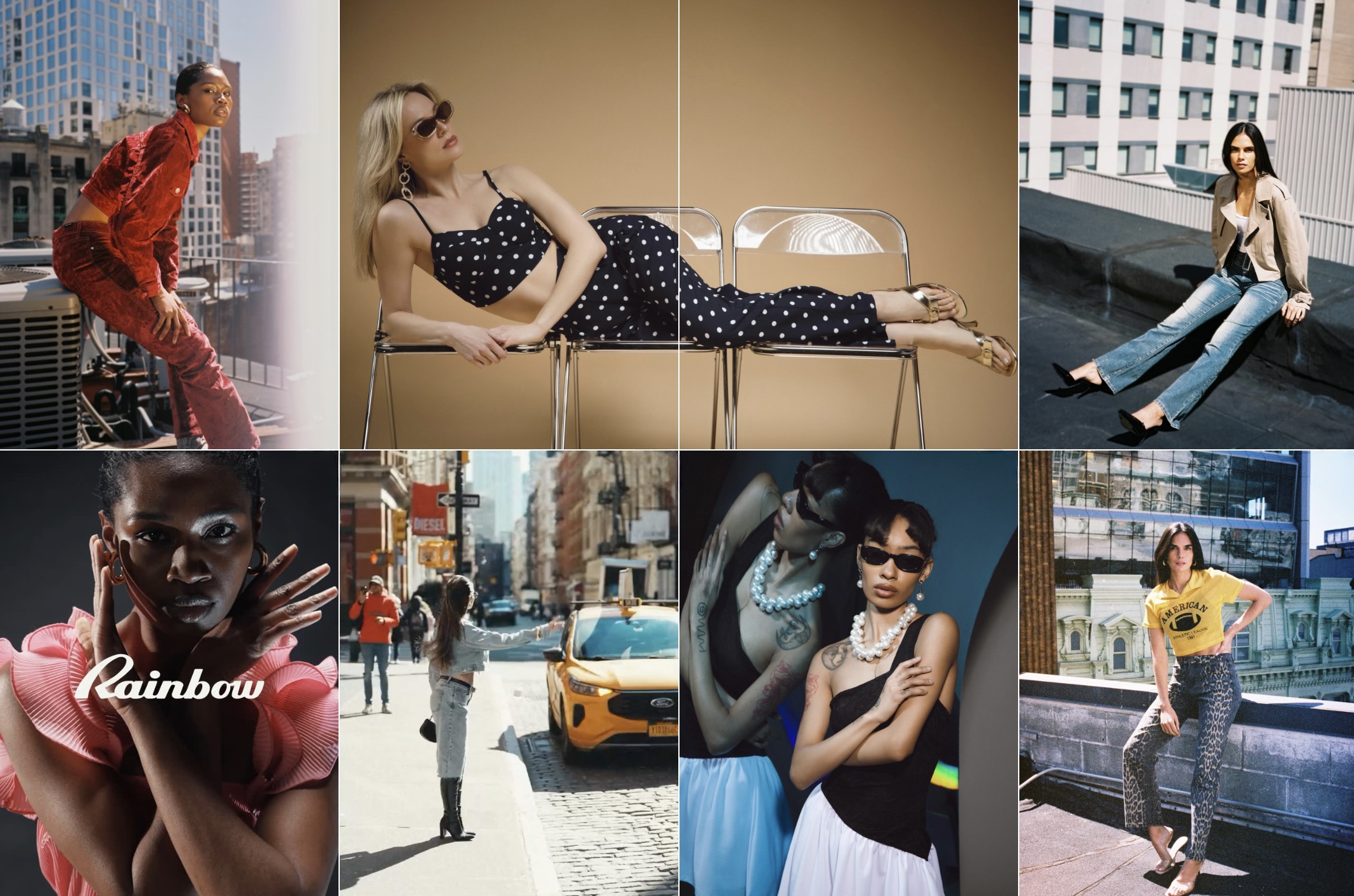
Model Francesca Pujols agreed to a September 2024 shoot, but the hair, outfit, body pose, and background in the photos used in the actual advertisement differed from the originals taken that day. The central claim in the complaint she filed in New York state court in June 2026 is that only her face and physical characteristics were preserved, while everything else was newly generated by AI.
Pujols’ side argues that the contract at the time allowed only certain retouching of existing photos and did not authorize the creation of entirely new AI-generated images. Rainbow, by contrast, argued in a recent motion to dismiss that the model agreement had already granted the company broad rights to alter and composite the images, regardless of the technology used.
The case is expected to become an early test not so much of the legality of AI technology itself, but of whether language in standard model agreements signed years ago extends to AI-generated images. Whether a contract’s “alteration and compositing” clause alone covers entirely new AI images will ultimately depend on the court’s interpretation.
Source · The Fashion Law, "Rainbow Says Existing Model Releases Already Cover AI-Generated Ads"
AI Model Face. Store facial assets and reuse them across every shoot
RealSnap’s AI Model Face is a tool that creates and saves multiple facial variations from a single face photo, then lets users repeatedly call up the same face for any snap project, whether a lookbook, studio shoot, or location shoot. It is mainly used by marketers who want to operate brand-exclusive virtual models and by lookbook designers who need to produce multiple editorials each season.
Instead of recruiting a new model for every shoot and rechecking the scope of portrait rights each time, users can save a once-created face as a custom model and simply call it up in later projects. Even when the pose, background, and outfit change each time, there is no need to repeatedly renegotiate or recast for the face, which distinguishes it from production based on live shoots.
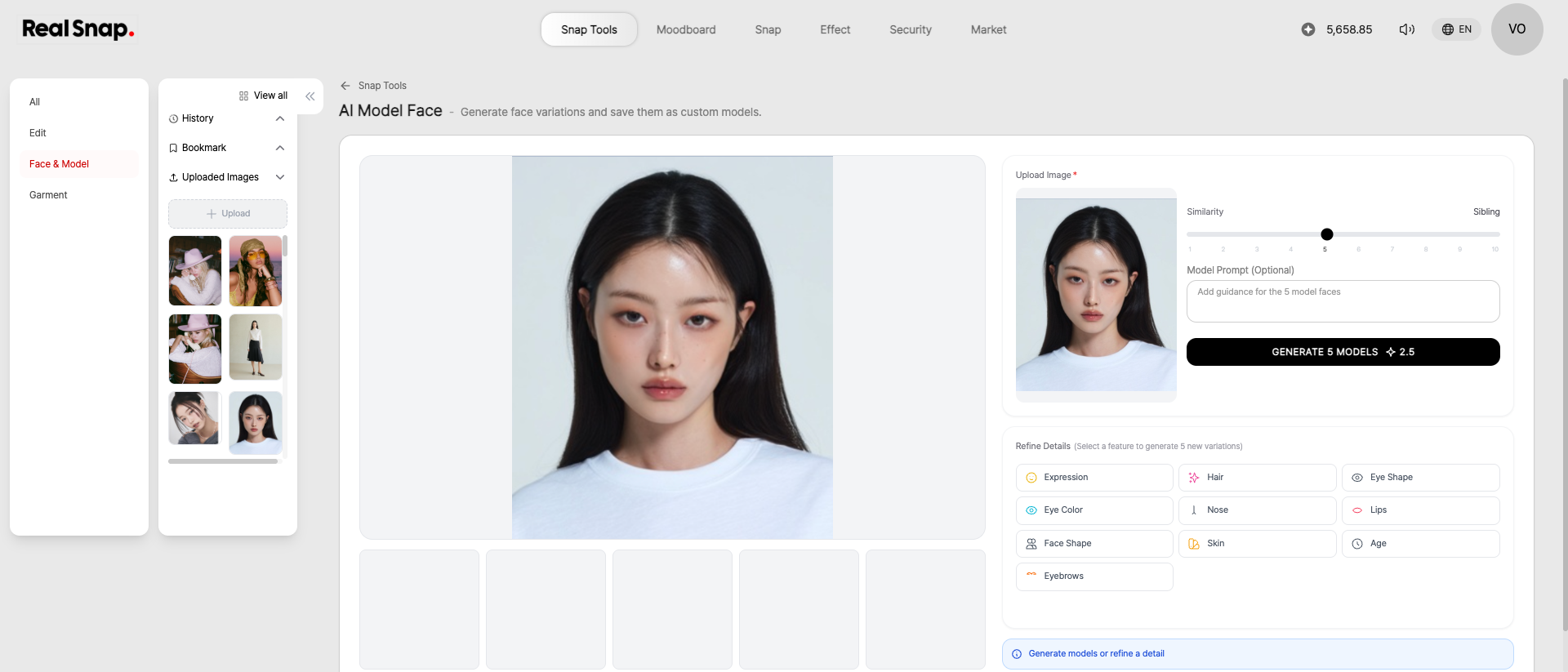
All you do on this screen is upload a single face photo, set the level of similarity, and specify the detailed direction you want. By selecting options such as expression, eye shape, and hair, you can receive five face candidates at once, reducing the process of casting and comparing multiple model candidates.
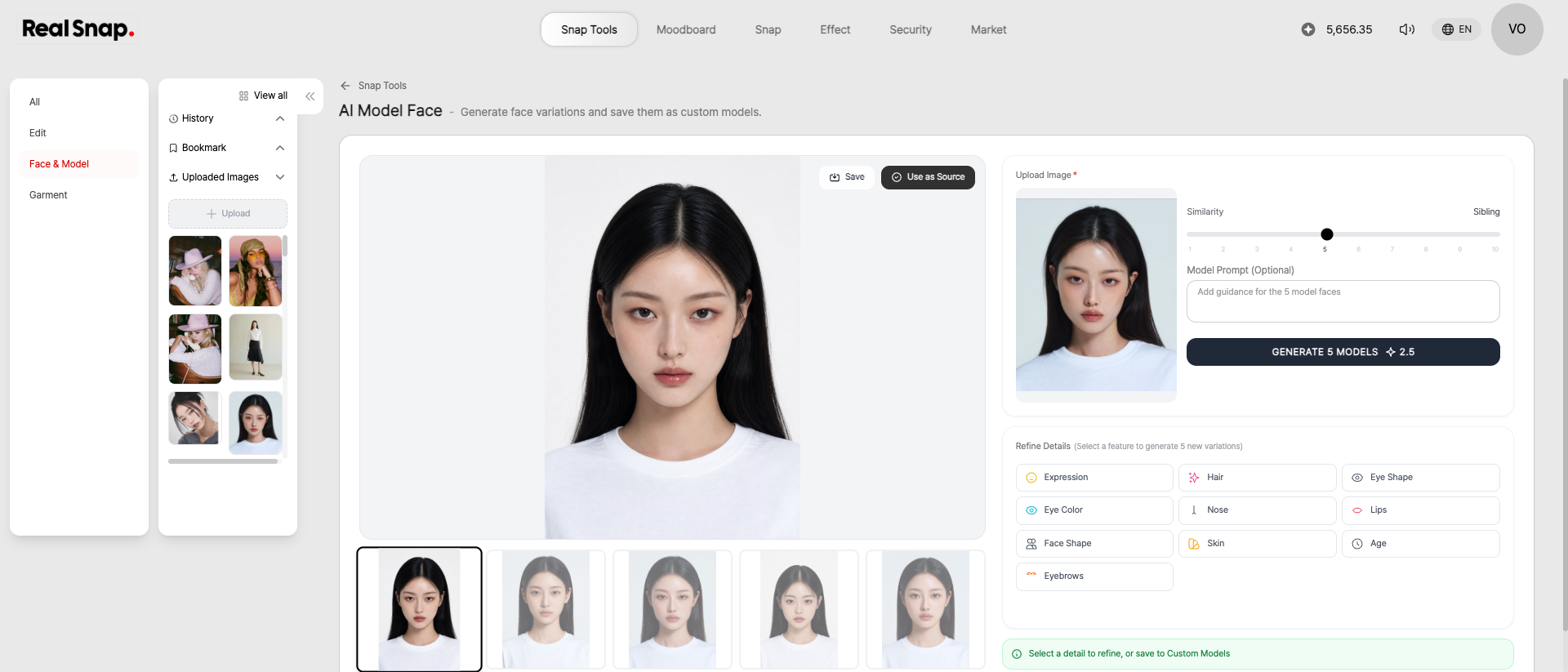
Once you choose and save one of the five candidates, you can load the same face again as a source for later photoshoot work. Instead of preparing a new model face every time, this workflow lets you consistently reuse one saved face asset across multiple shots.
Faces created with RealSnap’s AI Model Face can later be called up and reused as they are in lookbooks or location snaps, making it a particularly suitable tool for teams seeking to operate a brand-exclusive virtual model or small lookbook designers who need to produce multiple editorials each season. One option is to use a saved face to create a connected set of several images for this season’s shoot.