Give AI Only the Front, and It Invents the Back: A 12-Set Jacket Experiment
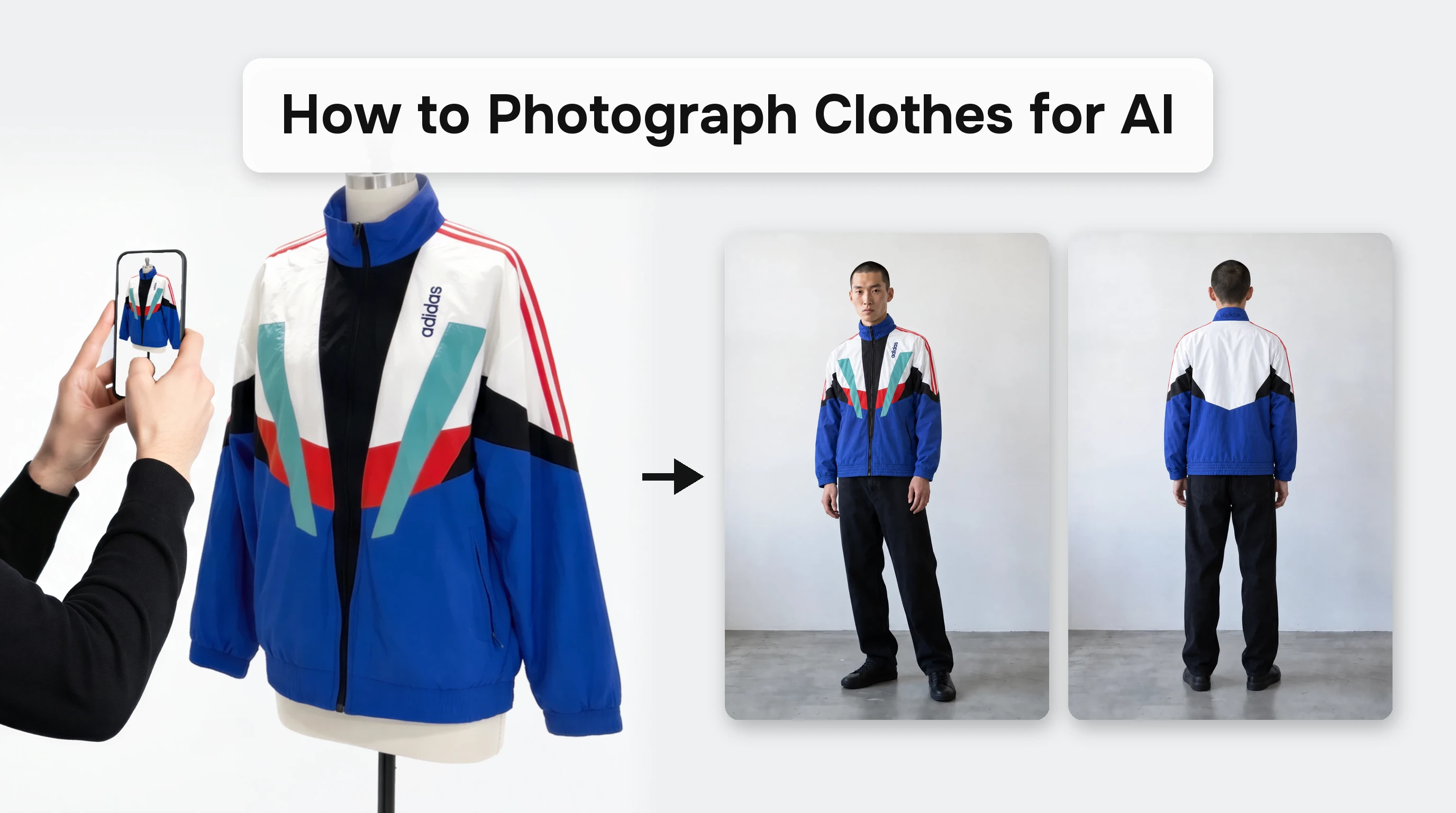
When one jacket was photographed in twelve different ways and fed to AI, the biggest problem was not image quality but the side that does not appear in the photo. In a blog post dated October 14, 2026, Tony Assi of FASHN said customers often ask how they should upload product photos, and he published the results of a hands-on experiment with a single vintage track jacket.
The shoots covered three methods, flat lay (laid out on the floor), mannequin, and worn by the photographer, multiplied by four lighting setups: a warm bulb, a neutral bulb, natural window light, and a phone flash, for 12 sets in total. Every set was entered into the FASHN Agent with the same model from the Elements library, a new conversation, a 2:3 ratio, 2K and Balanced settings, and the same message, then compared against the actual jacket. The structure unified the conditions so that only the photo differences would show up in the results.
The most notable finding is that the AI makes up the parts it cannot see. When given only the front, it produced a back that looked the same as the front, yet the jacket's actual back was mostly white. Assi offers four guidelines: photograph both the front and the back, use photos of the item worn by a person, use neutral lighting instead of warm lighting that distorts color, and add close-ups of details. He says that to the AI, a photo is not a finished image but a set of instructions, so the most ordinary photo works best.
Source · FASHN AI, "How to Photograph Clothes for AI: I Shot One Jacket 12 Ways"
The Economics of Photo Shoots Tested Amid Getty's Bankruptcy Plan
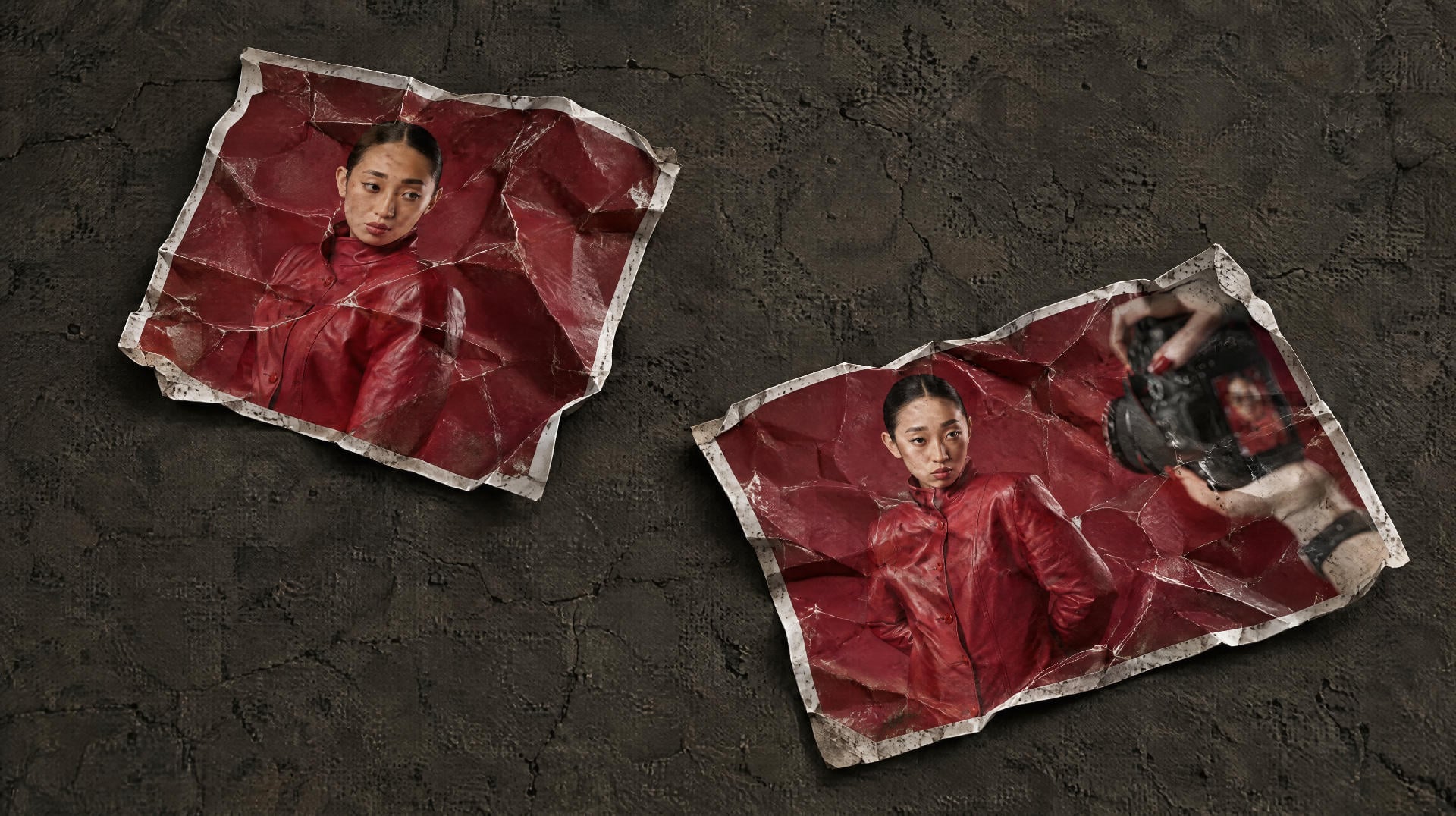
As Getty Images announces plans to file for bankruptcy, generative image tools are spreading rapidly across the fashion industry. In an October 16, 2026 analysis, the fashion outlet The Interline drew a line, saying a direct causal link between the two events cannot be asserted, but noted that the economics of real photography are being put to the test. Generative image tools are AI that creates new images from text instructions or reference images alone.
The point is that brands now have more alternatives to a photo shoot than ever before. Real models, locations, and photographers are evidence that an image is genuine, and at the same time they account for a large part of production costs. This duality, in which the same elements are both a source of trust and a cost item, is the starting point of the analysis.
Going further, the outlet argues that once generative production pipelines become commonplace, synthetic content could become the default even if consumers do not choose it. Synthetic content means images made with AI rather than shot with a camera. In such an environment, the outlook is that fashion's next standard of authenticity will shift from whether a real camera was used to whether the image honestly represents the product and the brand. In other words, honesty of representation, rather than whether a shoot took place, becomes the yardstick for evaluation.
Source · The Interline, "The Age Of Generative Fashion Photography Is Truly Upon Us"
RealEdit Automatic Product Shots: Front, Back, and Details as One Set
RealEdit's automatic product shot generation is a feature that takes a few product photos and composes a commerce-ready set of full front and back shots, fabric close-ups, and detail close-ups such as zippers and pockets. As optional styles, you can choose Flat Lay, where the garment is laid out flat, or Ghost Mannequin, which gives a three-dimensional look, making it suitable for sellers who want to prepare detail page images with the front, back, and details all covered.
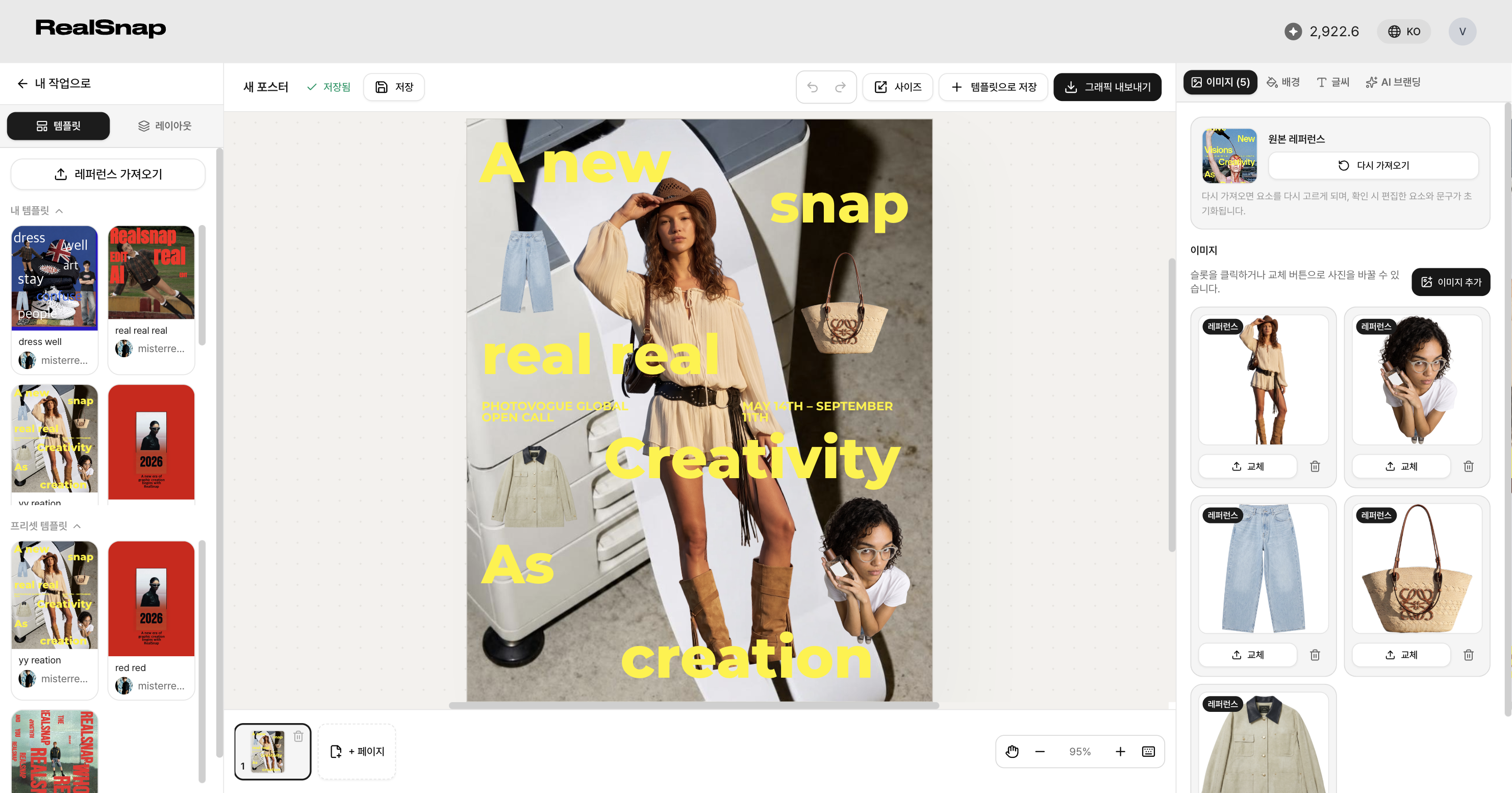
You can see how multiple images are gathered into a single work screen so you can review their placement and swap them out.
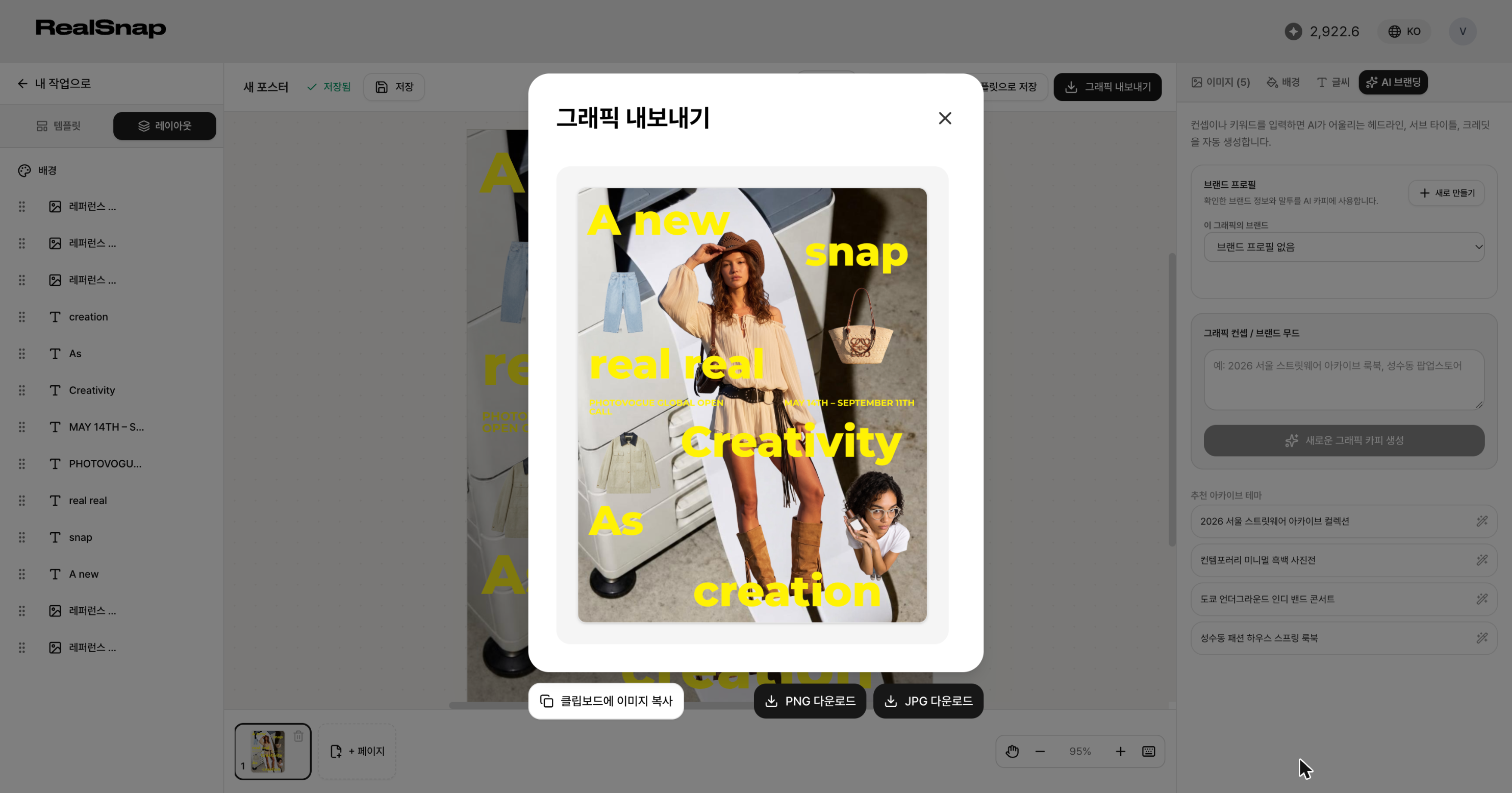
After checking the finished result, you can save it directly in the format you want and carry it over into creating your product detail page.
With RealEdit's automatic product shot generation, it is worth trying to upload front, back, and detail photos of a new product as one set, create Flat Lay or Ghost Mannequin cuts, and compare which composition suits the product detail page.