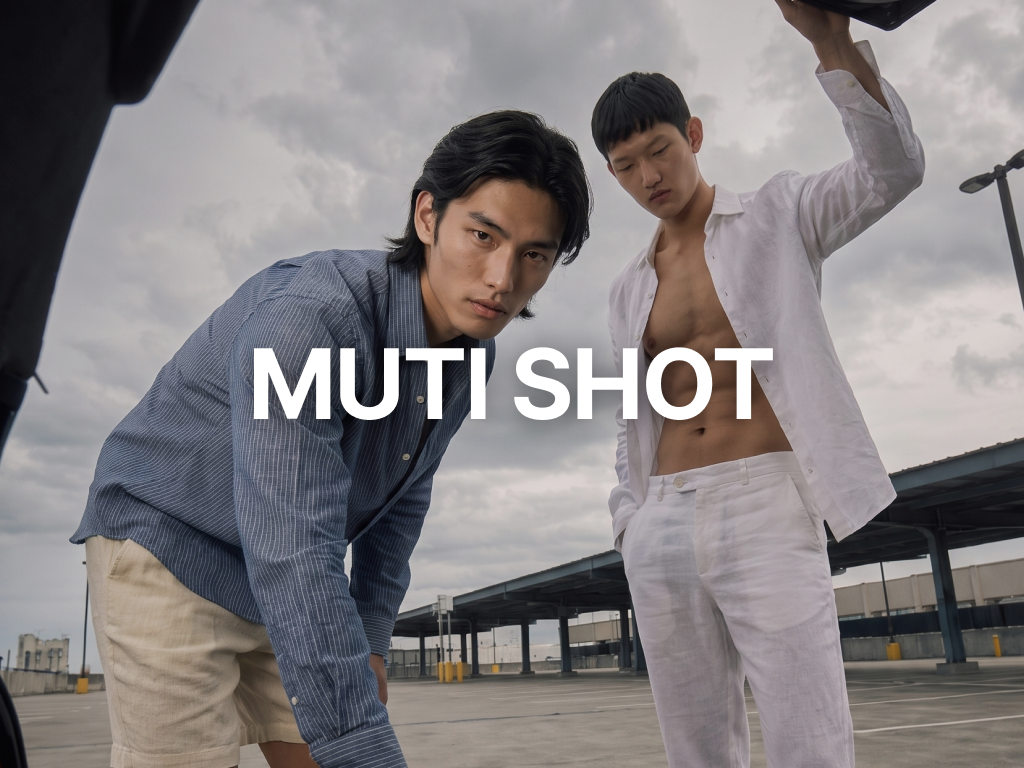
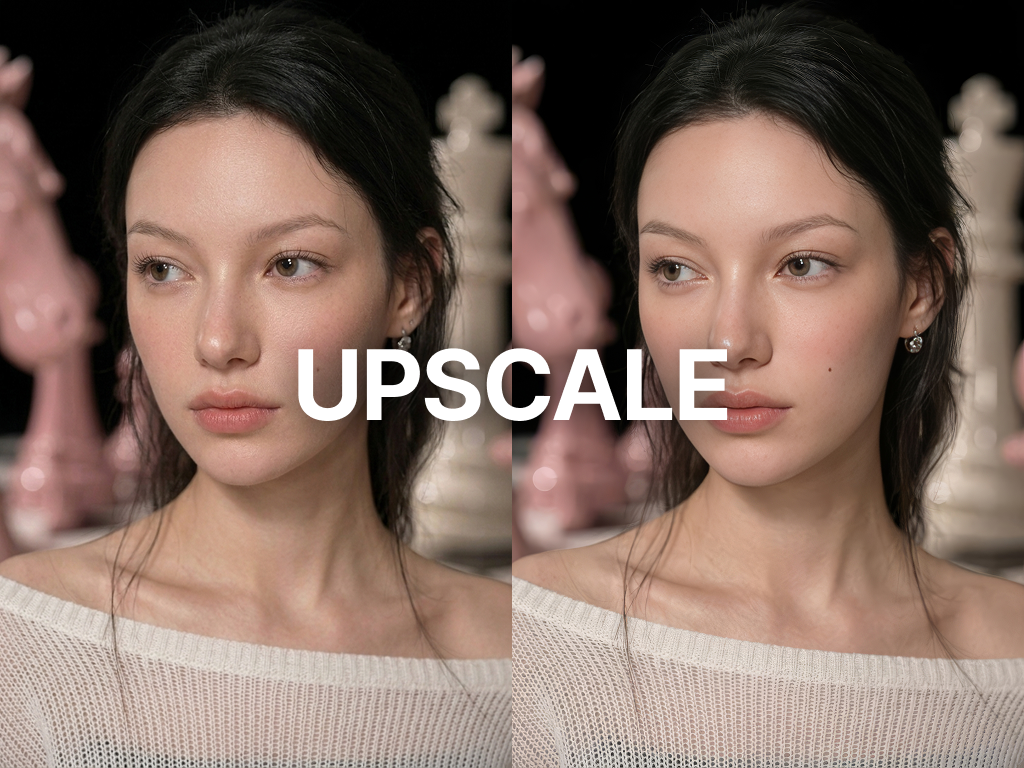
💡 Welcome to RealSnap!
No studio, models, or production team needed. From a single clothing image, create lookbooks, fashion videos, and cutout images — get started right away with this guide.
What is RealSnap?
RealSnap is an AI visual production platform for fashion brands and sellers. Without studio shoots, model casting, or outsourced editing — you can complete lookbook photos, fashion videos, and cutout images all at once from a single clothing image.
- Product | Features | Link
- 📸 Real Snap | AI lookbook · model try-on image generation | realsnap.ai/workshop/snap
- 🎬 Real Drop | AI fashion videos · shorts creation | drop.realsnap.ai/canvas
- ✂️ Real Edit | AI cutouts · precise clothing image editing | editor.realsnap.ai
📸 Real Snap — Create AI Lookbooks
Complete your brand lookbook without a studio. Upload a clothing image, and AI instantly generates professional-grade images with your desired model, mood, and lighting combination. Expand a single item infinitely across various models and concepts.
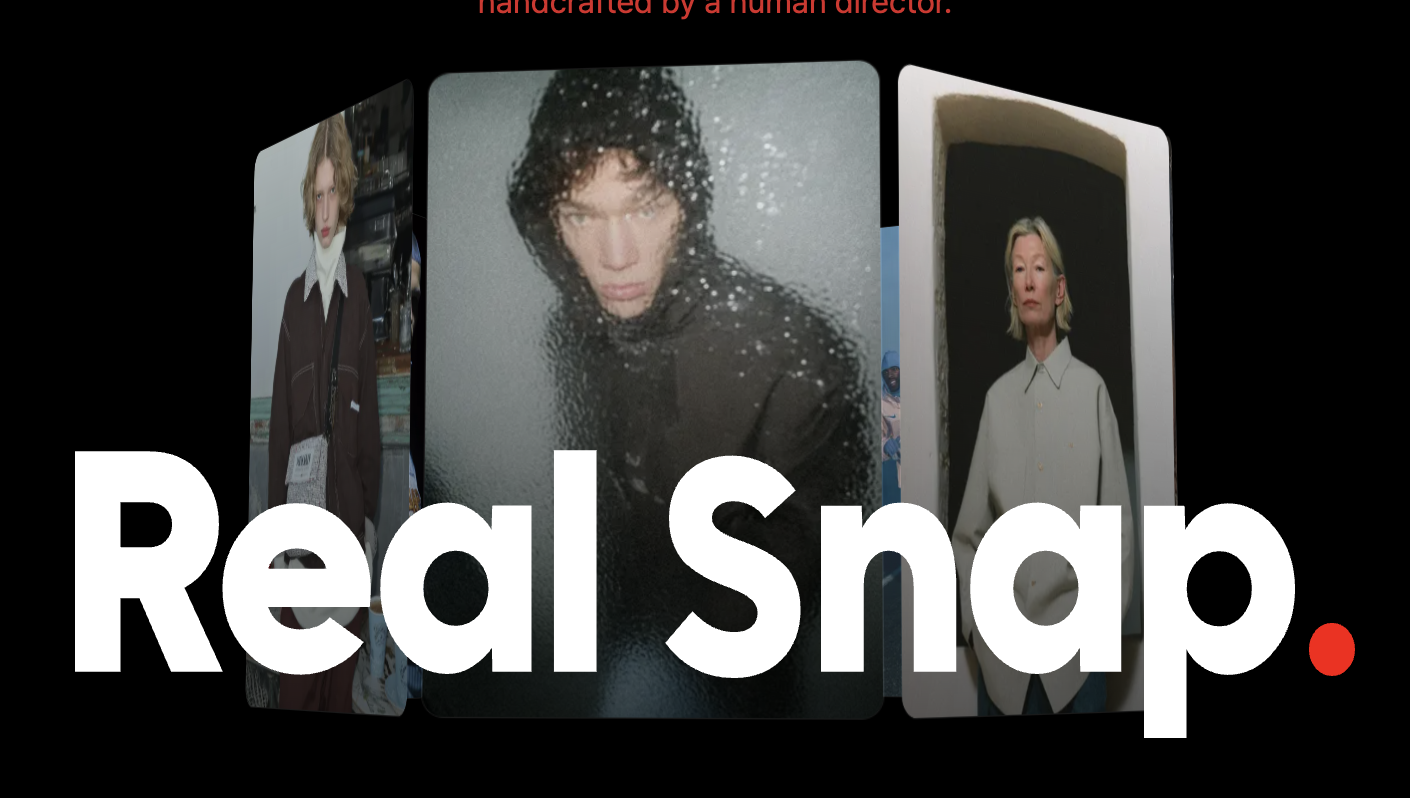
Workflow (4 Steps)
- Moodboard — Set the overall lookbook mood and concept
- Mood & Reference — Define the style direction with reference images
- Snap — Generate images after setting the model, pose, outfit, and camera
- Effect — Apply post-processing effects to generated images
Key Settings
- Model: Select your desired AI model
- Pose Reference: Upload a pose reference image
- Mood Reference: Upload a mood reference image
- Clothes & Items: Upload clothing and item images
- Camera: Set background, lighting, and angle
- 💡 Monitoring: Prevent plagiarism/copying with real-time similarity monitoring
🎬 Real Drop — Create AI Fashion Videos
Create Reels-level fashion content without filming. From a single image, AI generates moving fashion videos, and you can complete music, text, and brush editing all on one screen.
Workflow (4 Steps)
- Clip — Upload clothing/model images and select an effect to generate a video
- Agent — AI reconstructs a video from an Instagram URL or reference
- Edit — Edit videos with text, music, brushes, filters, and more
- Library — Manage and download generated videos
Main Features
- Image Brush: Select and replace items in the video with a brush
- Upscale: Upscale video resolution with AI
- Sound: Add BGM and adjust volume
- Text: Add animated brand text
- 🎞 Tutorial Preview Create fashion videos with AI Use the video editing tool Replace items with Image Brush Add background music to videos Add text to videos Upscale video quality
✂️ Real Edit — AI Cutouts & Image Editing
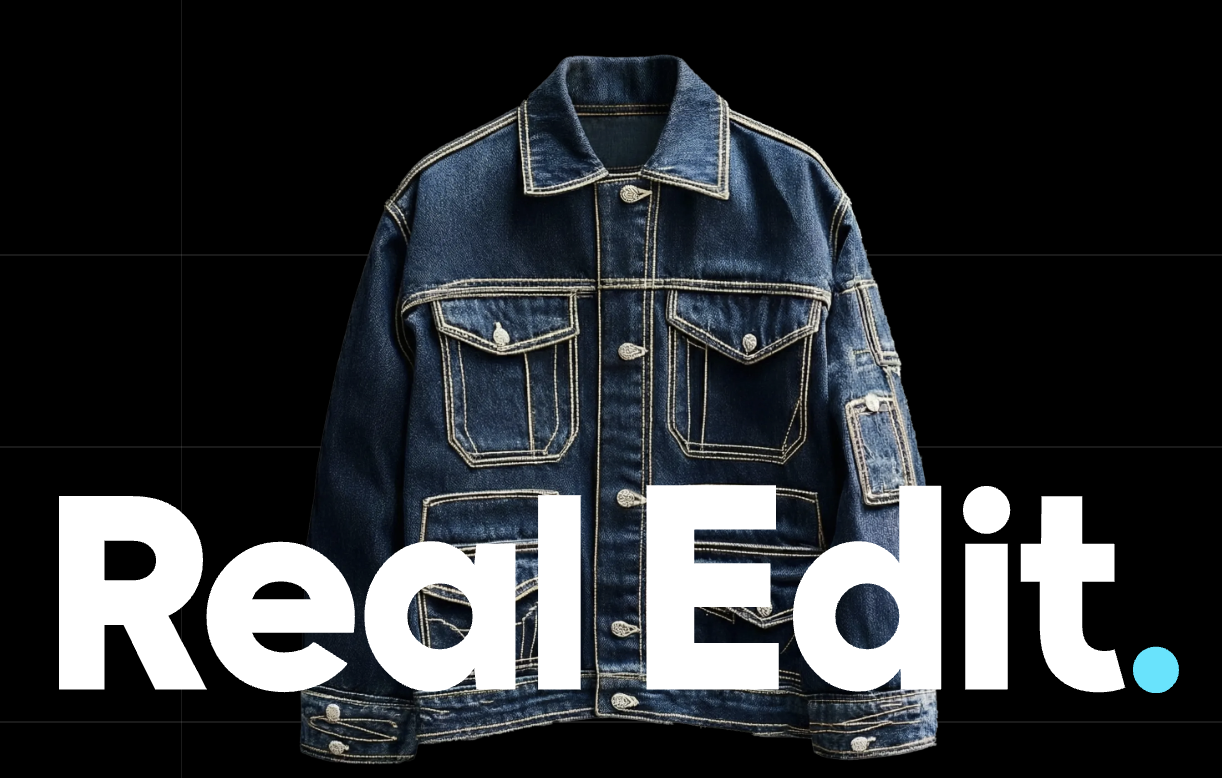
Turn phone photos into cutout images in an instant. AI automatically removes the background and applies the item to a model, greatly reducing product photography costs and post-production time.
Workflow (4 Tabs)
- Product — Upload clothing images (single / bulk)
- Model — Select an AI model and set guidelines
- Edited Assets — Review and download completed results
- Settings — Set automatic clothing classification and preferences
Key Features
- Automatic background removal (cutouts)
- Generate final model shots based on guidelines
- AI automatic clothing classification (tops/bottoms/outerwear)
- Single / bulk batch processing
⚡ 5-Minute Quick Start
- Try Real Snap for the first time Go to realsnap.ai → Enter the Snap workspace Snap tab → Upload a clothing image to Clothes & Items Selected ModelChoose your desired model in the top right Generate Click, then select your favorite image from the results grid and download it
- Try Real Drop for the first time Go to drop.realsnap.ai/canvas Clip tab → Upload an image and select an effect category (e.g., Walking) Generate Click → Wait for the video to generate LibraryDownload the completed video from Library
- Try Real Edit for the first time Go to editor.realsnap.ai Product tab → Upload a clothing image AI automatically creates a cutout + applies it to a model Edited Assets tabReview the result and save it with the download button
💰 Credit Guide
Varies depending on image quality and whether effects are applied
- Task | Credits Used | Actual Cost
- Snap image generation (1 image) | 0.5–2 credits | about KRW 250–800
- Drop video generation | 3–5 credits | about KRW 500–1,000
- Edit cutout processing | 1 credit | about KRW 250
🙋 Frequently Asked Questions
- What image formats can I upload? JPG, PNG, and WEBP are supported. The maximum file size is 20MB.
- How long does generation take? Snap takes about 30 seconds to 1 minute, and Drop videos take about 1–3 minutes.
- Can I use generated images/videos commercially? Yes, all generated results can be used for commercial purposes.
Last updated: April 2026 | RealSnap Team