
Where can I find it?
- Menu path Snap Tools > Face & Model > Head Size
- When to use it: Use it when the model's head looks too large or too small for the body.
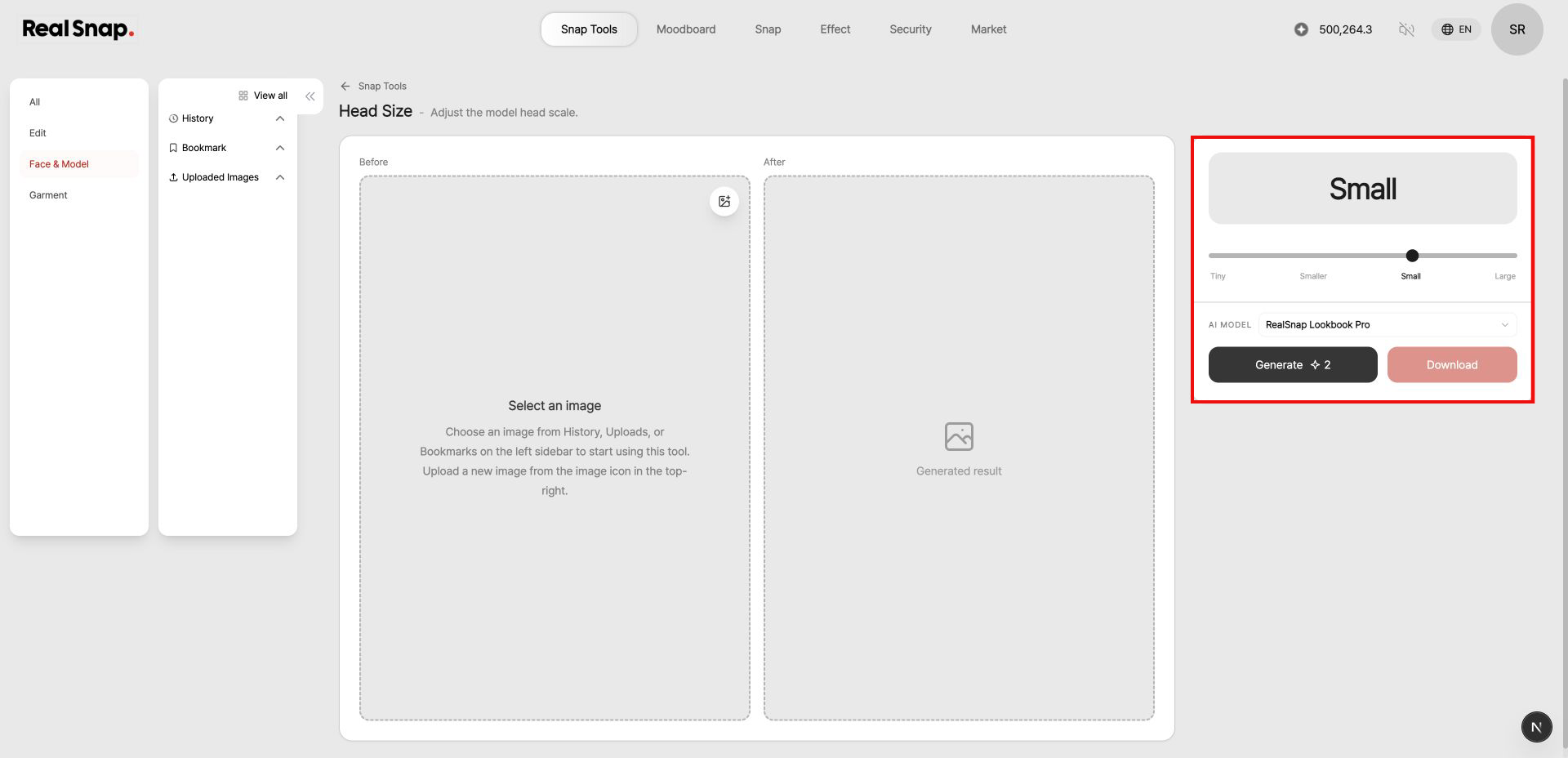
How to use it
- Choose an image from History, Uploaded Images, or Bookmark on the left.
- Select the head-size level you want with the slider on the right.
- Check the AI model, then select Generate.
- Compare the Before and After images, then download the result you prefer.