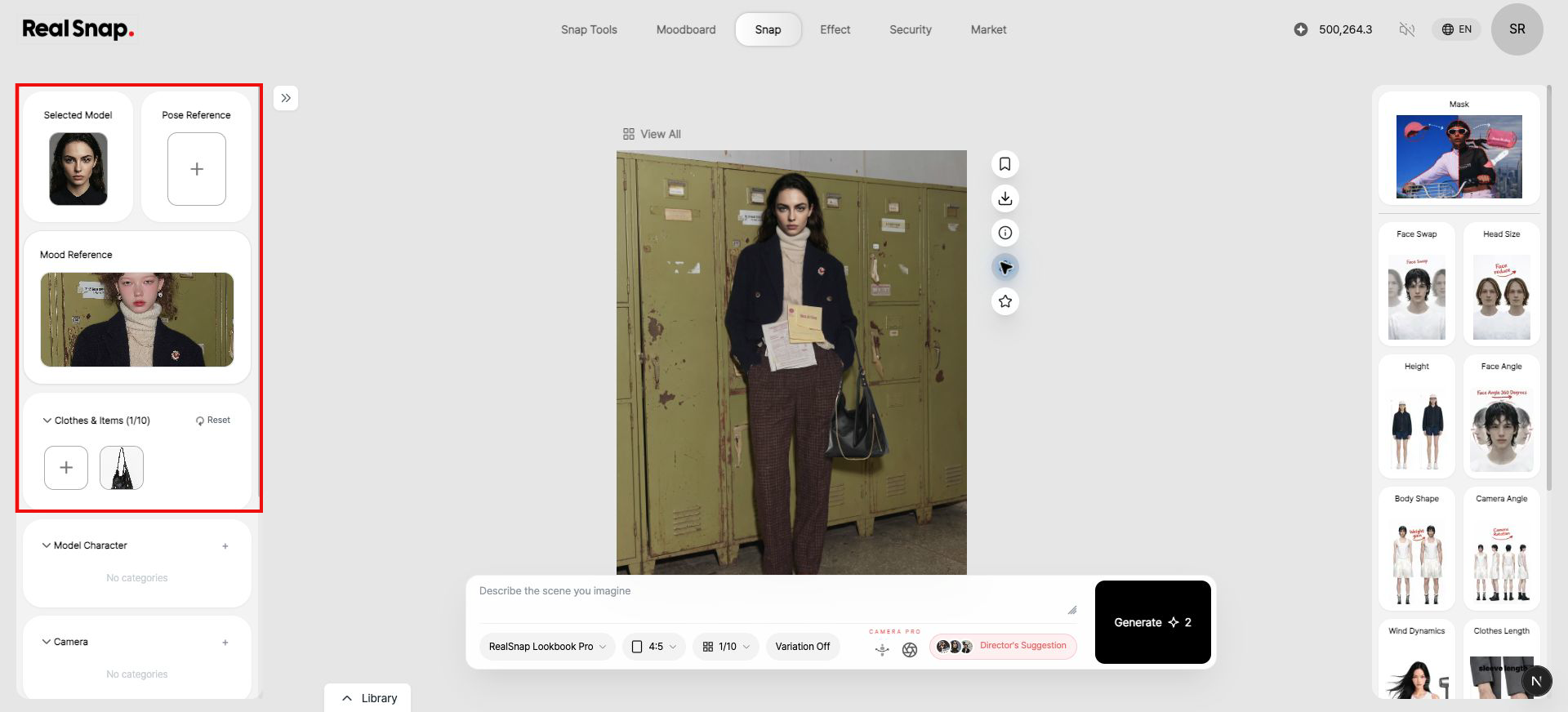
Reuse the model, pose, outfit, and other settings from a result you like without rebuilding the setup from scratch.
1. Select Load Settings on a Result
Open the single generated image you want to reuse, then select the gear icon to the right of the image.

- When to use it: Use it to create a new image with conditions similar to a result that worked well, without rebuilding the setup.
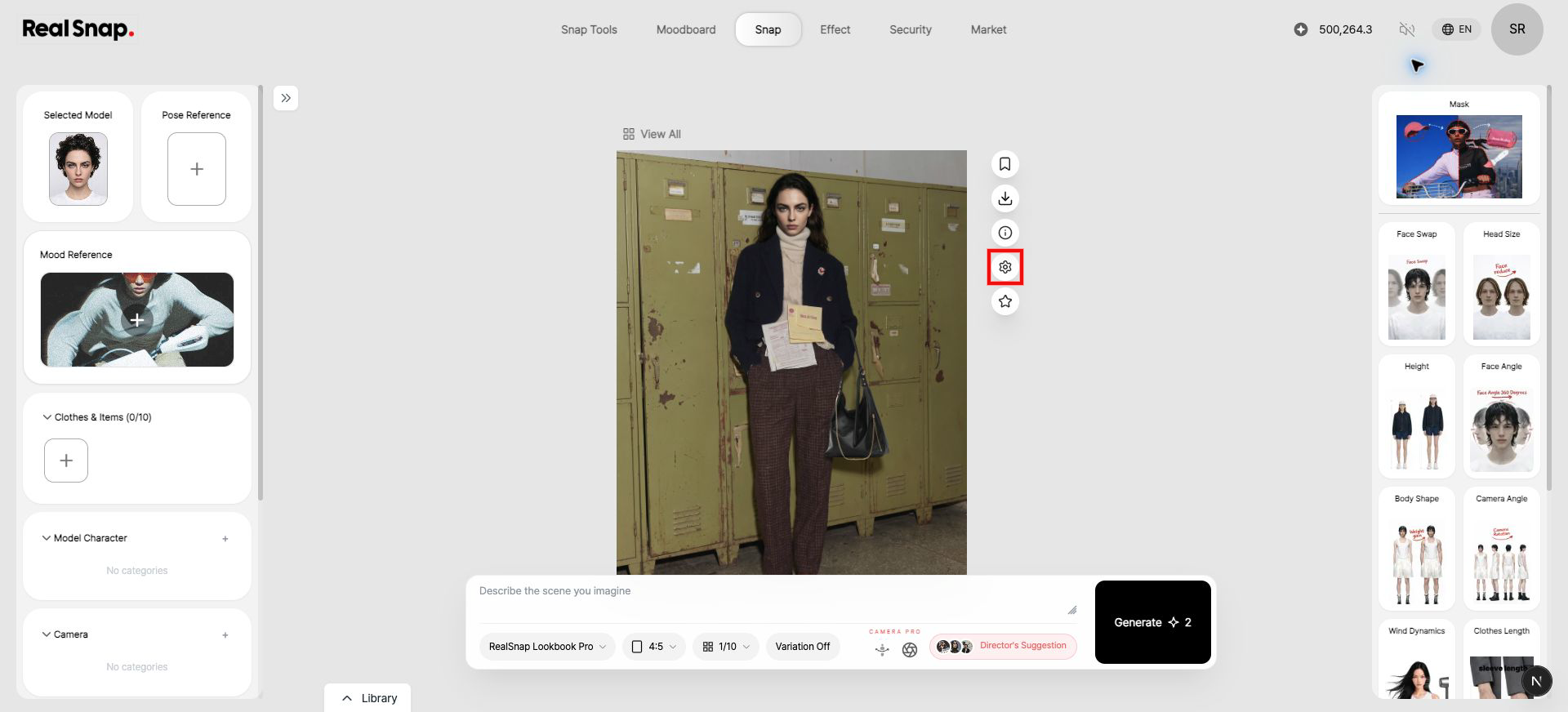
2. Review the Restored Settings on the Left
The model, mood, clothes, items, and other settings used for the result are restored on the left. Change only what you need, then generate again.

- Note: The restored fields depend on which settings were used to create that result.