
Where can I see it?
- Menu path Snap > Select a result > Mask, Face Swap, Head Size, or another detailed edit > Result screen
- When to use it: Use it to spot even small changes and quickly check whether an edit went too far.
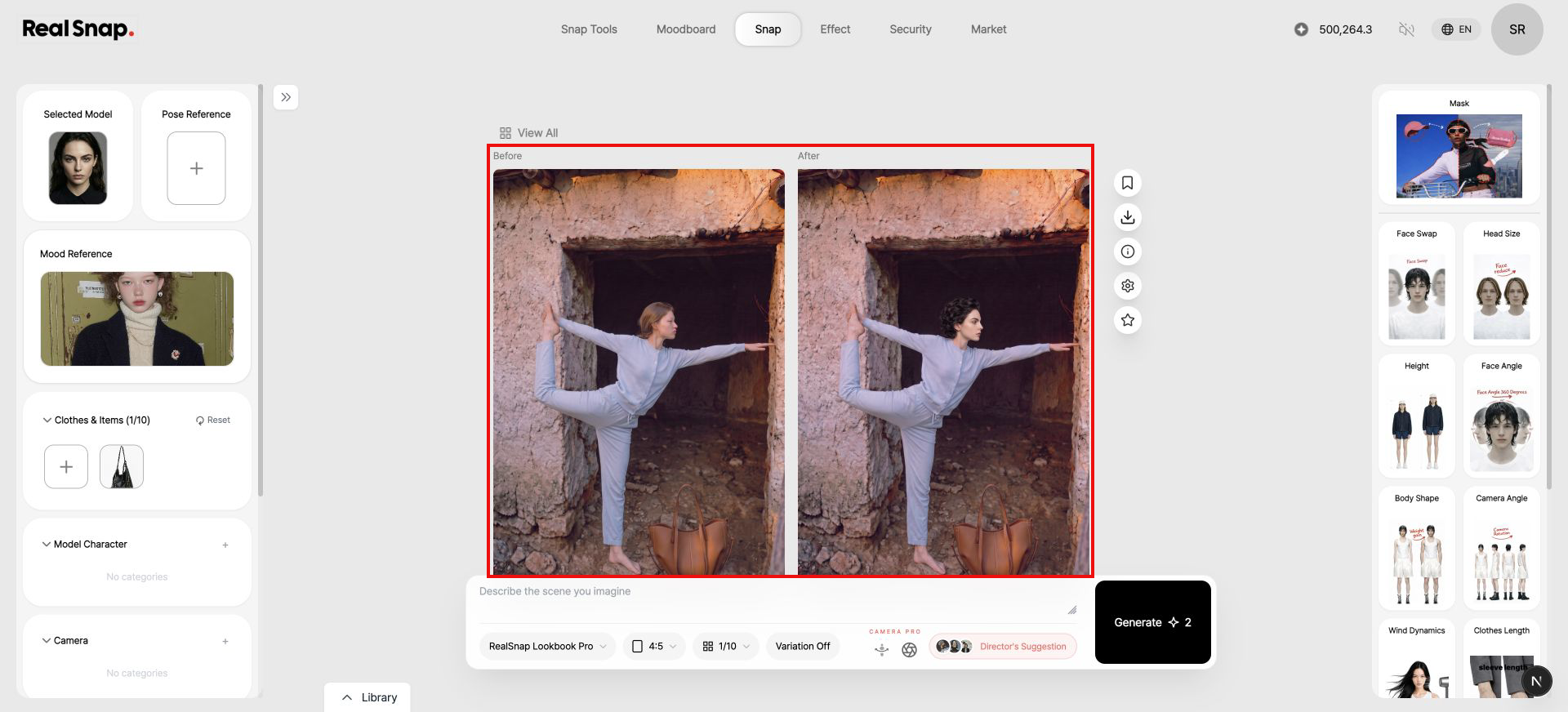
How to check it
- Select a result image in Snap.
- Edit it with one of the detailed edit tools on the right.
- When the edit is complete, compare the Before and After images on the same screen.
- Download the result or continue with another edit.