Key Updates
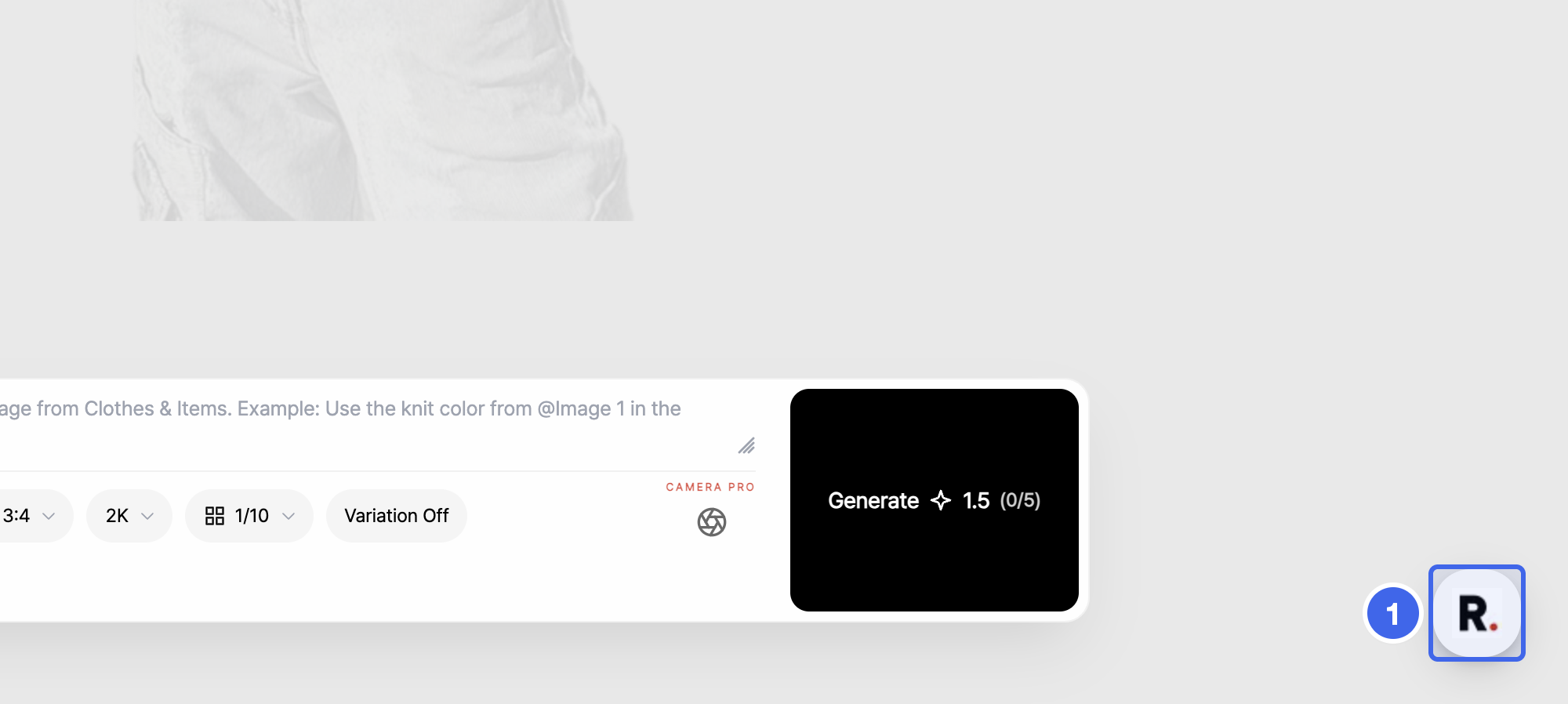
- Open help chat right from the bottom-right corner of your workspace. Click the R button at the bottom right of the RealSnap, RealDrop, RealEdit, and RealDesign workspaces to open the chat. You can ask without leaving the screen you're working on, and it doesn't use credits.
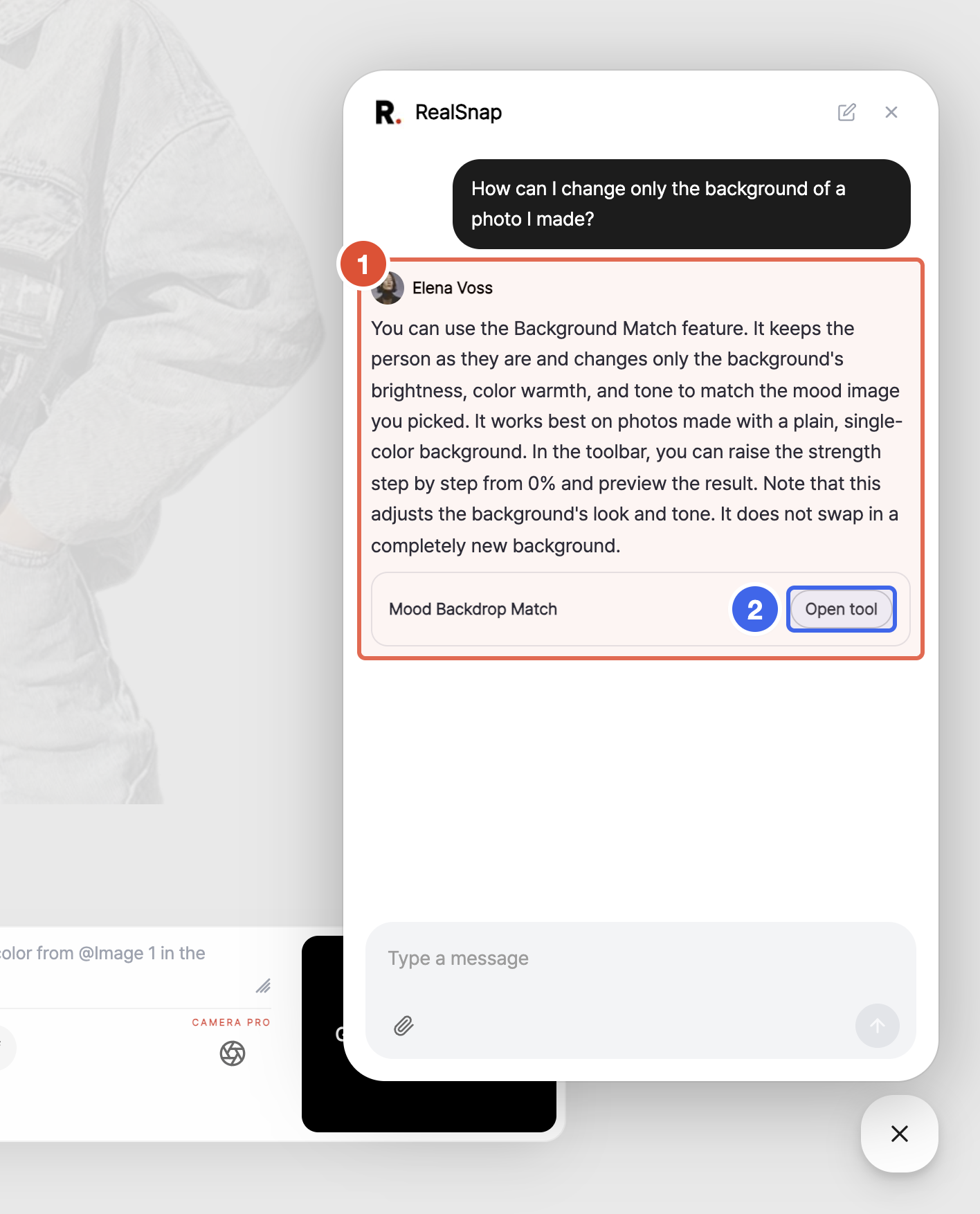
- Ask how to create or refine the result you want, and get a plain answer based on our guides. Answers come in the language you ask in, and when a related tool exists, Open tool takes you straight to it.
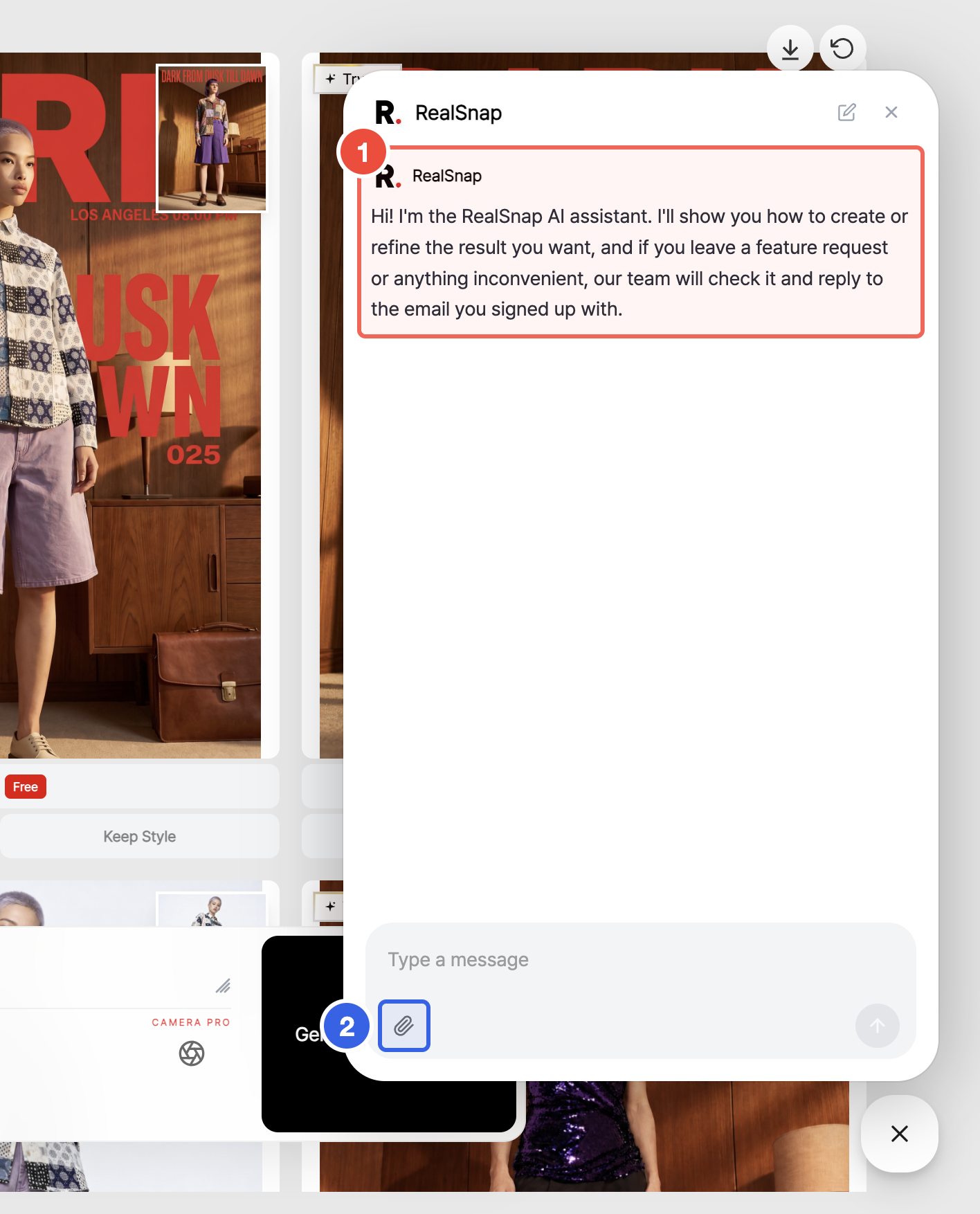
- Send images, and the chat looks at them directly. Attach up to 10 images at a time with the clip button.