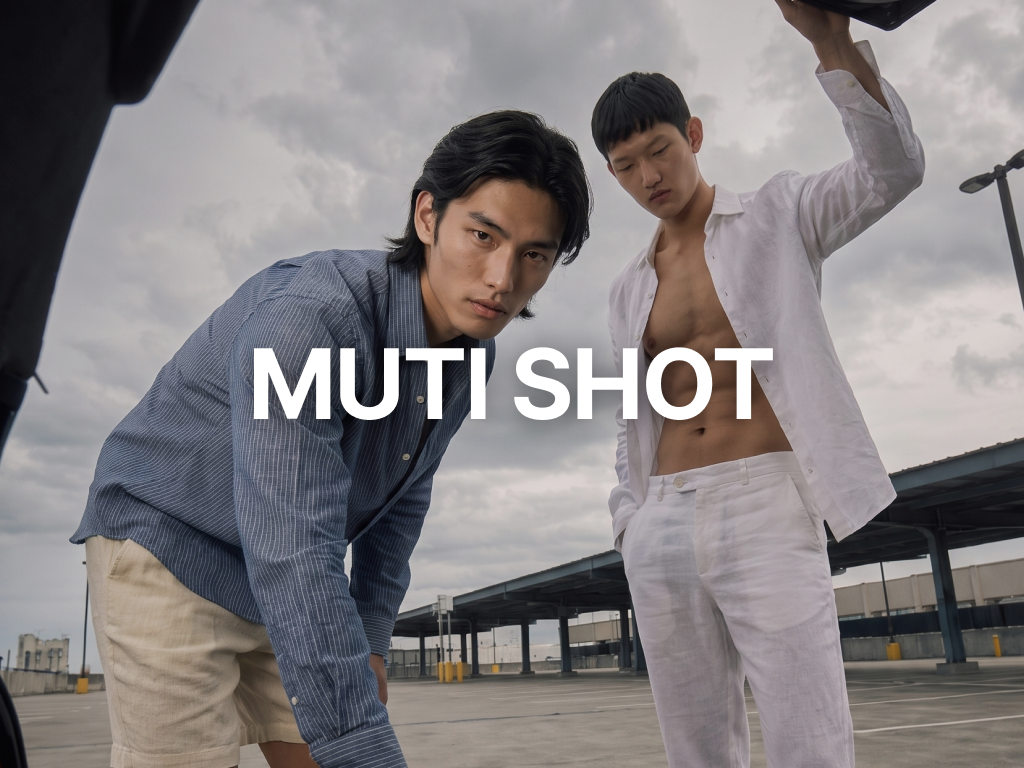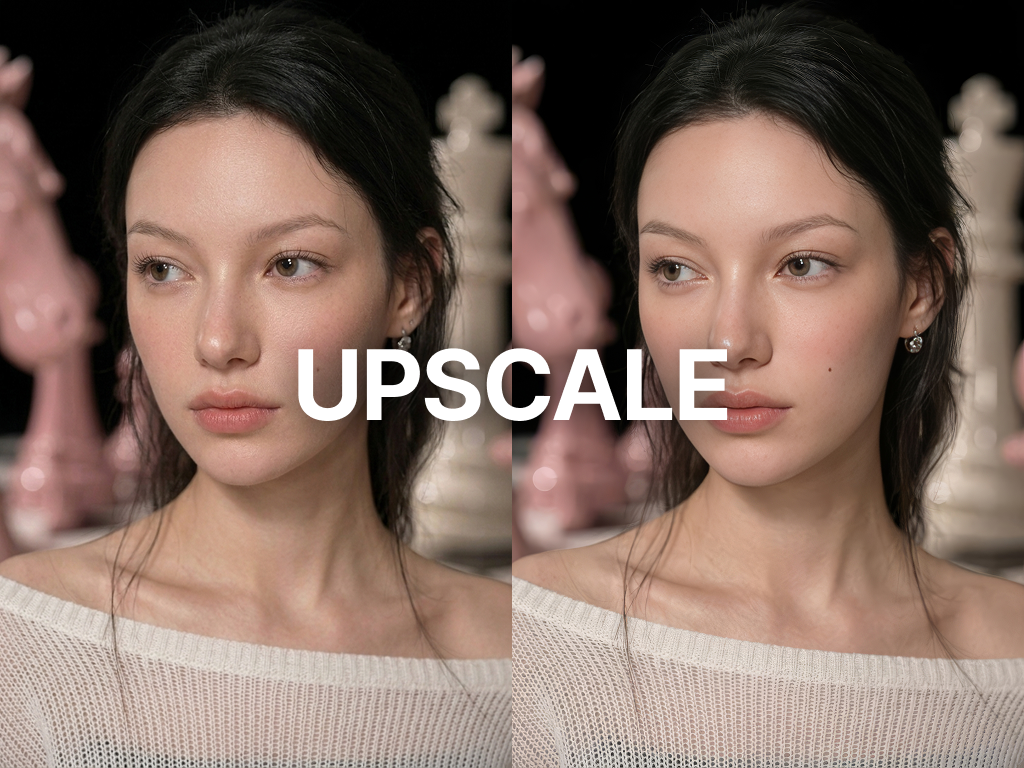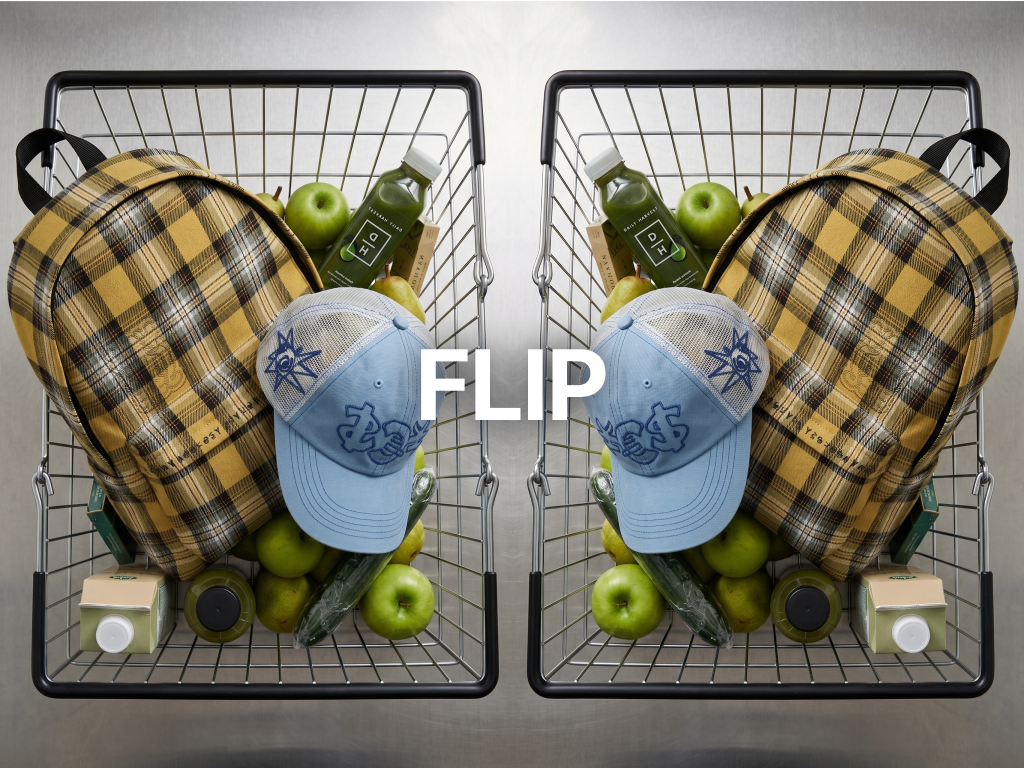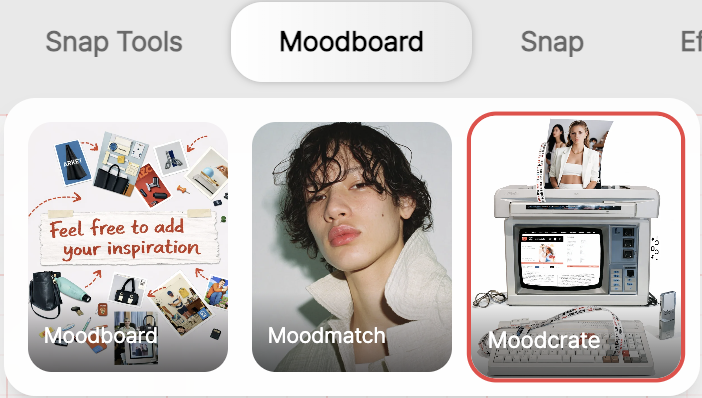
RealSnap Mood Crate is a feature that lets you import an existing mood board project or select current trends to create new visual images.
You can collect the generated images, arrange them on a board, and even add camera effects to define moods for lookbooks, campaigns, and social media more concretely.
The challenge of having references but struggling to expand them into a new visual direction
When organizing a brand mood, you may have gathered reference photos, but often get stuck at the next step: how to expand them into new visuals.
With only an existing mood board, it can be difficult to concretely imagine what the shoot results or campaign images will look like.
In these cases, you need a process for creating new images based on an already organized mood board or current trends.
Mood Crate uses existing references as a starting point, allowing you to quickly create a more concrete visual direction.
1. You can start based on an existing mood board or trends
With Mood Crate, you don’t have to define every direction from scratch.
You can start by importing an existing mood board project or selecting a trend style that is commonly used these days.
So if your brand already has an organized mood internally, you can continue that flow, and if the direction is still unclear, you can quickly get a feel for it based on trends.
The key point is that you can expand the next visuals from a defined starting point, rather than vaguely trying to make something “pretty.”
2. You can generate new visual images and organize them into a board
The core of Mood Crate is not simply viewing reference images, but the ability to directly generate new visual images.
You can create images based on the selected mood board or trend, then collect the results you like and organize them into a single board.
This lets you check the direction your brand wants in the form of more realistic outputs.
It’s useful for collecting, comparing, and organizing images that are close to real deliverables, such as lookbook drafts, campaign moods, and social media content tones.
3. You can add camera effects to create a more polished mood
Mood Crate doesn’t stop at collecting generated images. You can add camera effects to the board to refine it into a more visually polished mood.
Even the same visual can look different when camera effects are applied, such as a sharper campaign mood, a calmer lookbook mood, or a more emotional social media mood.
That’s why Mood Create is useful not just as an image generation feature, but also for fine-tuning the final mood a brand wants.
How to use
- Open the Mood Crate menu.
- Import an existing mood board project or select a trend.
- Generate new visual images based on the selected direction.
- Apply camera effects if needed to refine the mood.
- Collect the images you like and organize them on a board.
- Review the completed board and use it as a reference for lookbook, campaign, and social media production.
Conclusion
Mood Crate is a useful feature for fashion brands when they want to go one step beyond an existing mood board and create a new visual direction.
You can continue using projects you’ve already organized, or select trends to quickly expand into new images.
It’s especially suitable for teams that want to create new images, organize the results into a board, and match the mood with camera effects for lookbook drafts, campaign concepts, and social media visuals.