Can I create an outdoor fashion shoot without a shoot location?
SNAP|Updated Jul 29, 2026
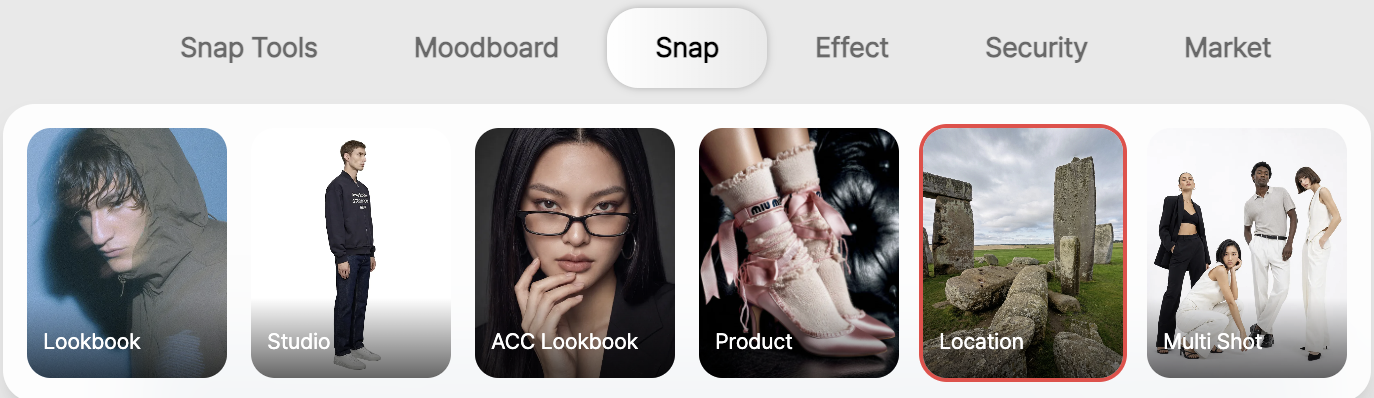
RealSnap Location is a feature that lets you choose or search for a desired place and create AI fashion images with that location as the background.
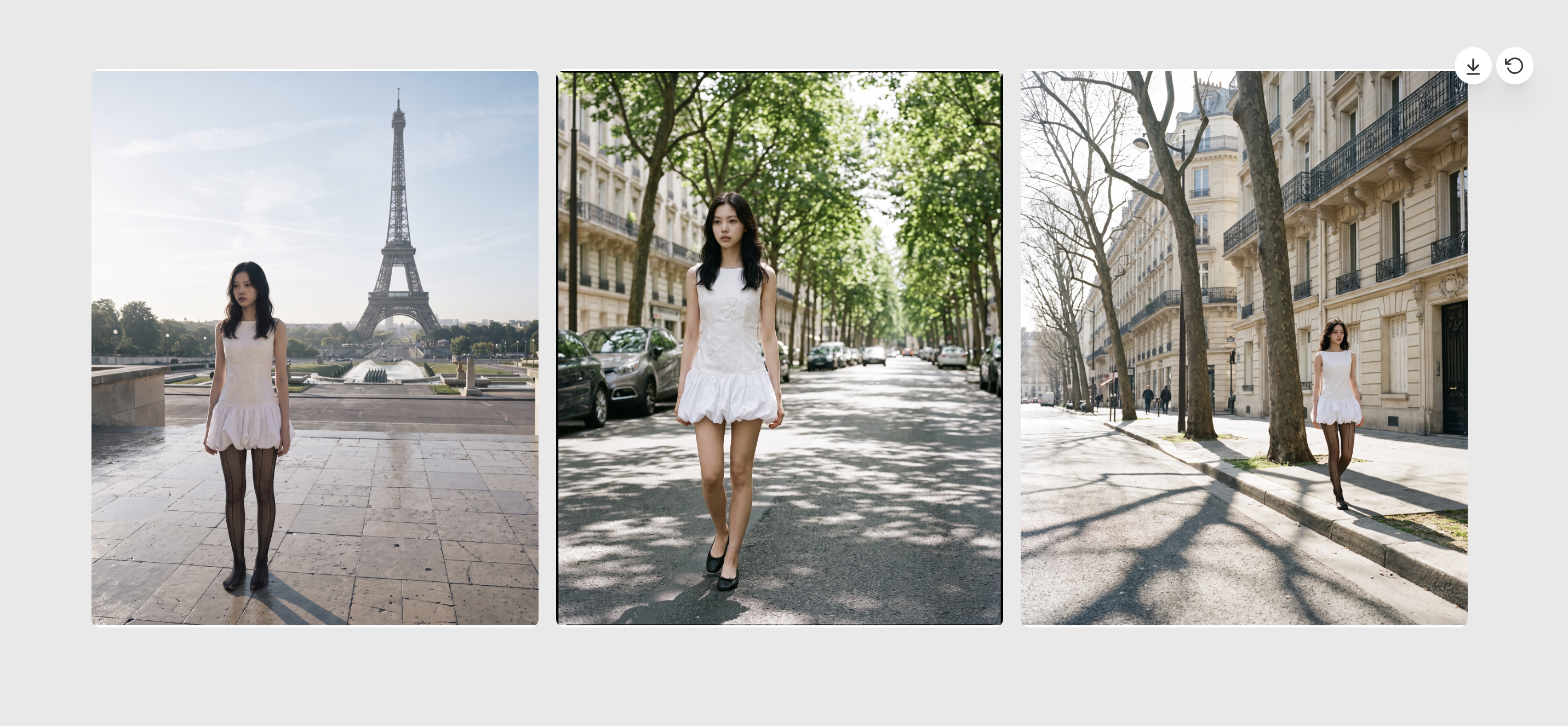
You can create location-style fashion shoots for lookbooks, campaigns, and social media content by using the atmosphere of spaces such as streets, cafés, parks, city centers, and travel destinations.
I have the clothes ready, but it’s hard to find a suitable shoot location
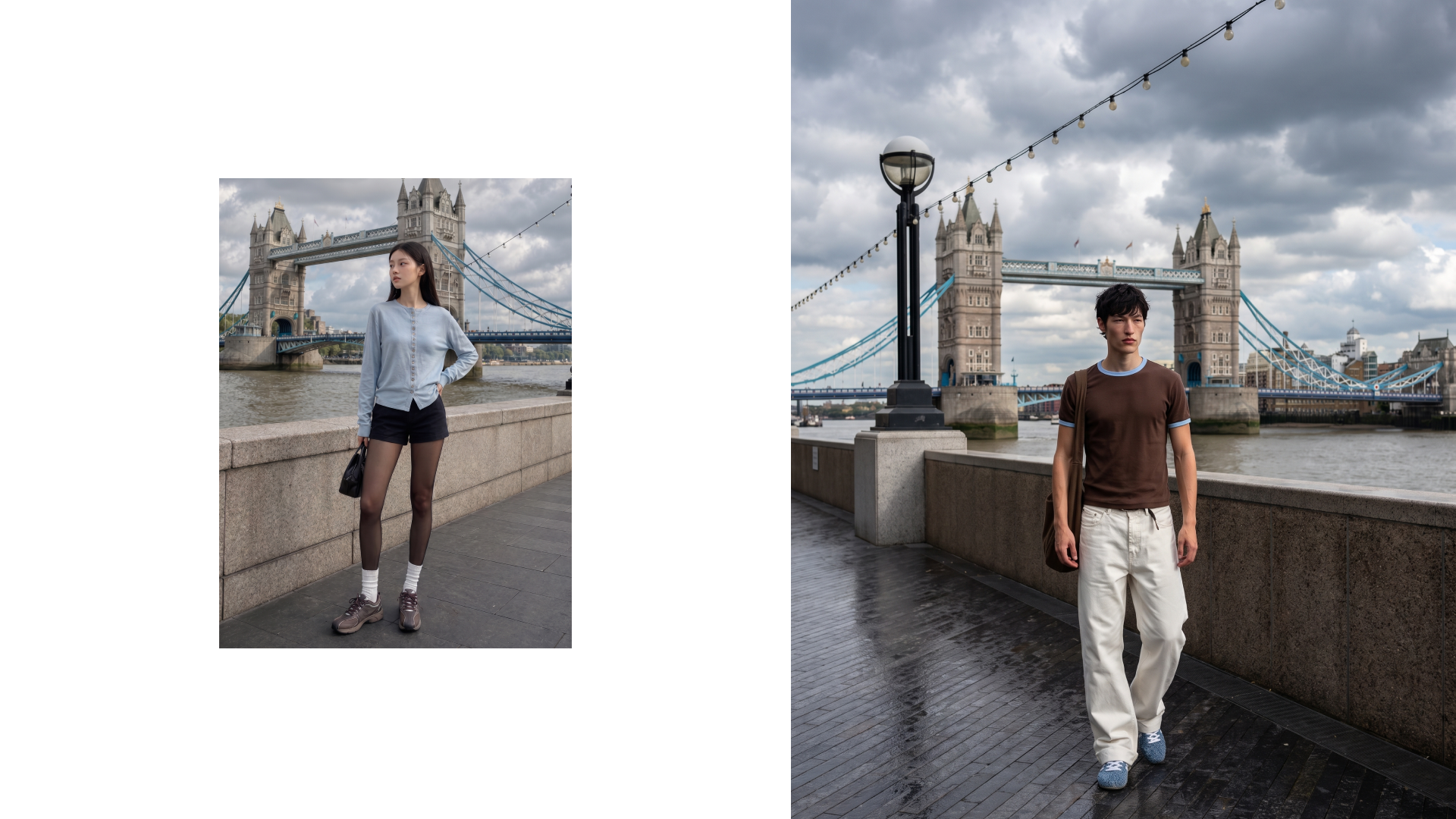
Fashion images can feel very different depending not only on the clothes and model, but also on what kind of place they appear to have been shot in.Even with the same outfit, a white studio, city street, café front, beach, or park background can create a completely different brand image.
However, real location shoots can be burdensome to prepare because you need to consider location scouting, travel, weather, shooting permits, and on-site variables.
RealSnap Location helps you more easily create images that look like real outdoor shoots by choosing your desired place as the background.
1. Choose the location you want and create a background that fits your brand mood
In Location, you can directly choose or search for the place you want and create images with that location as the background.You can select backgrounds such as city centers, streets, cafés, nature, and travel destinations to match the mood your brand wants.
For example, city backgrounds work well with a polished street mood, while beach or resort backgrounds are a good fit for summer campaigns. Café or alley backgrounds are great for daily looks, casual looks, and lifestyle content.
2. Explore and save real locations with Google Street View
In Location, you can browse Google Street View to find places you like.You can choose backgrounds that suit your brand image while checking real streets, building fronts, alleys, café exteriors, and urban spaces.
If you save places you like, you can use them later as backgrounds for image creation. Rather than vaguely deciding on a “city feel,” you can choose while looking at real spaces, making it easier to set a more specific direction for your location shoot.
3. Test the same outfit as different campaign images depending on the location
With the Location feature, you can test the same clothes and model across multiple location backgrounds.By applying one outfit to backgrounds such as a city street, natural-light café, beach, and park, you can easily compare which location fits your brand best.
This process is also useful for concept testing before a shoot. Before carrying out an actual shoot, you can first check the image direction for each location and choose backgrounds that fit lookbooks, campaigns, and social media content.
How to use
Open the Location menu.
Choose or search for the place you want.
Browse Google Street View and save the places you like.
Generate images using the saved location as the background.
Review the results and use them for lookbooks, campaigns, and social media content.
💡Things to keep in mind
If you use the images for sales or advertising materials, make sure the background location naturally fits the brand image and product concept.If a specific real location is clearly recognizable, it’s a good idea to check whether commercial use is allowed and whether there are any location-related rights issues.
Because location images can strongly reflect the mood of the background, you should also check that the background does not stand out more than the product.It’s best to review the final image before use to ensure the clothing colors, model proportions, and background perspective do not look unnatural.
Conclusion
RealSnap Location is a useful feature for fashion brands when they want to create AI images with the feel of a location fashion shoot without directly arranging a shoot location.
By selecting a desired place or finding and saving real spaces with Google Street View, you can create lookbooks, campaigns, and social media content with backgrounds that match your brand mood.
If you want to create content where the atmosphere of the location matters—such as city street shoots, daily looks in front of a café, beach campaigns, or seasonal images with a travel-destination mood—it’s a good idea to first test the background direction with the Location feature.