Can I change the mood of a photo all at once with effects?
SNAP|Updated Jul 29, 2026
RealSnap Effects is a feature that lets you apply desired effects to multiple photos at once, or combine multiple effects to quickly change the mood of your images.
When you need to match the tone of multiple photos, such as for lookbooks, product detail pages, or social media content, you can reduce work time and keep your brand mood consistent.
If each photo has a different mood, your brand tone can feel inconsistent
Lookbook or product detail page images are often shown together in multiple shots.
But if each photo has different brightness, colors, sharpness, or mood, even images from the same collection can look less cohesive.
Especially for work that uses multiple shots at once, such as social media feeds, campaign images, or product detail pages, matching the overall tone is important.
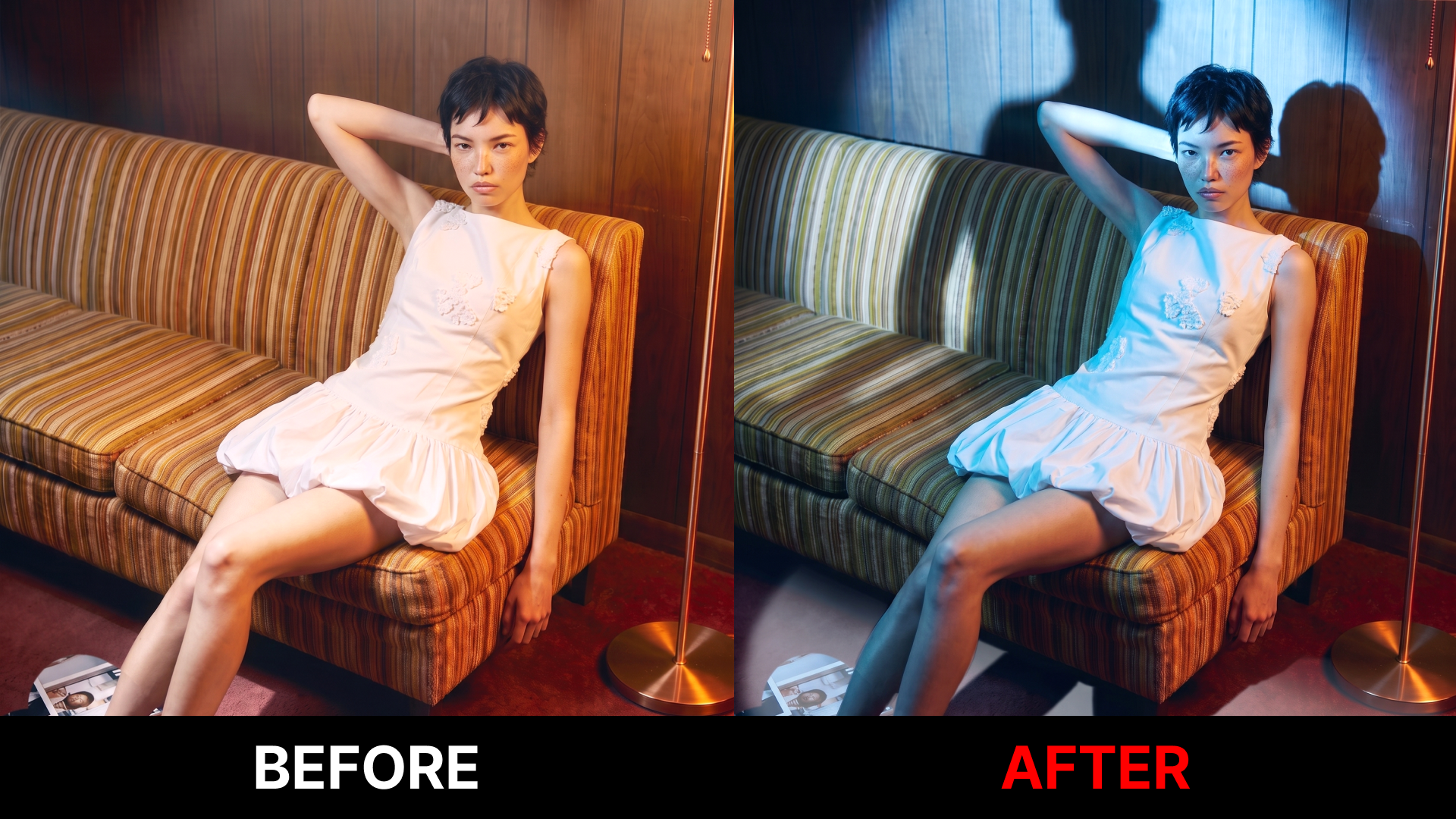
RealSnap Effects helps you organize the mood of your images faster by applying multiple effects at once or applying the same effect to multiple photos.
1. You can combine multiple effects and apply them all at once
In Effects, you don’t have to apply the effects you want one by one. You can select multiple effects together and process them all at once.For example, you can adjust elements like sharpness, mood, color, and texture all at once to create a result that’s closer to the look you want.
Because you don’t need to apply effects repeatedly, your workflow becomes simpler. It’s useful when you need to quickly test different moods, such as for lookbook images or campaign shots.
2. You can apply the same effect to multiple photos at once
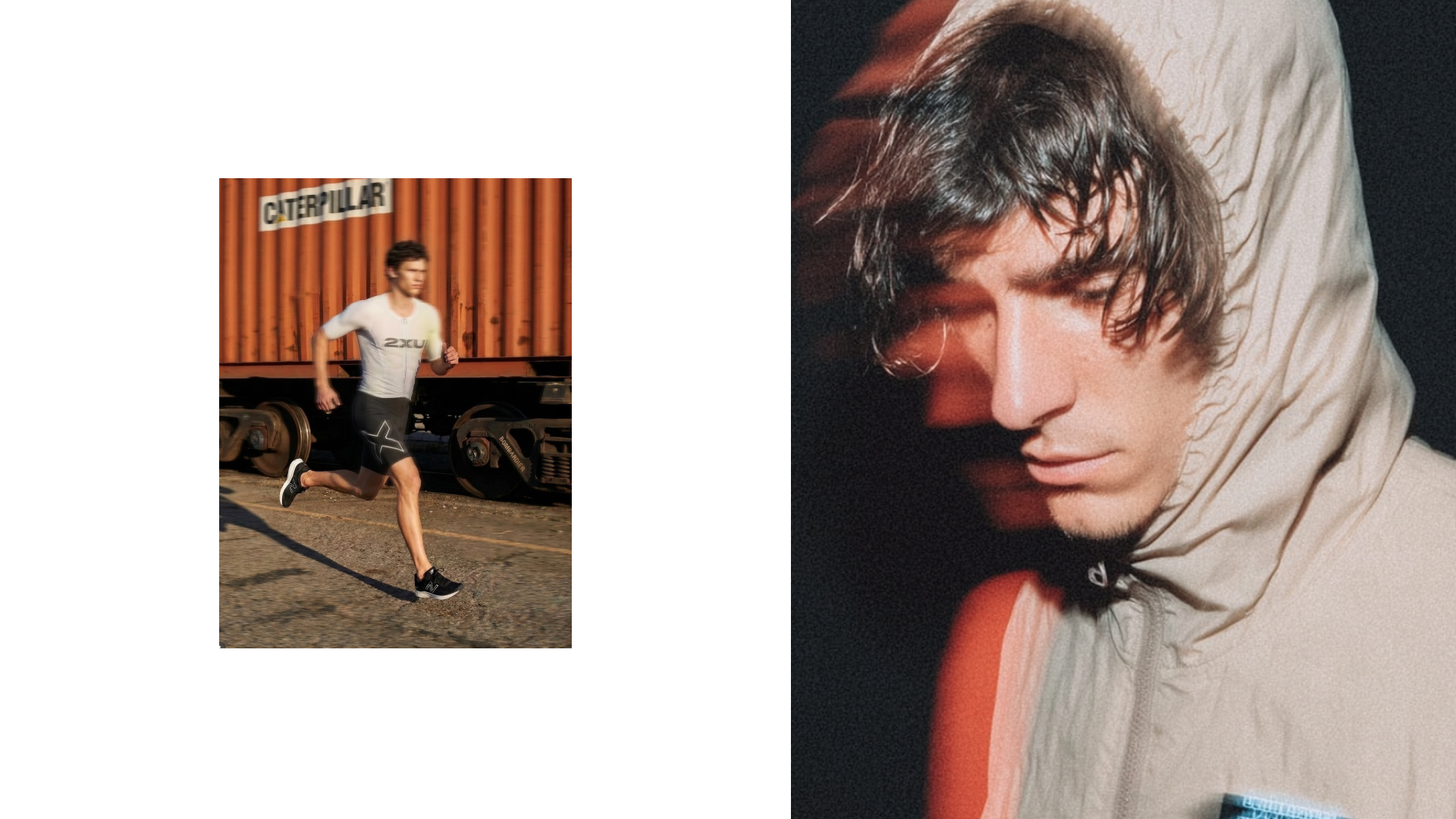
When you have multiple photos, you can apply the same effect to all images at once.Since you don’t have to open and edit each photo one by one, you can save time on image-heavy work like lookbooks or product detail pages.
Applying the same effect can reduce the issue of each photo feeling disconnected in mood. It’s helpful when you want to align multiple model shots, product shots, or campaign shots under one brand tone.
3. You can make the tone of lookbook, product detail page, and social media images consistent
Effects is not simply a feature for making photos look prettier.You can use it to match the mood so multiple images look like one cohesive piece of brand content.
In lookbooks, you can align the overall feel of the collection, and in product detail pages, you can organize the tone of product images.
For social media content, it helps unify the colors and mood so the entire feed has a similar atmosphere.
How to use
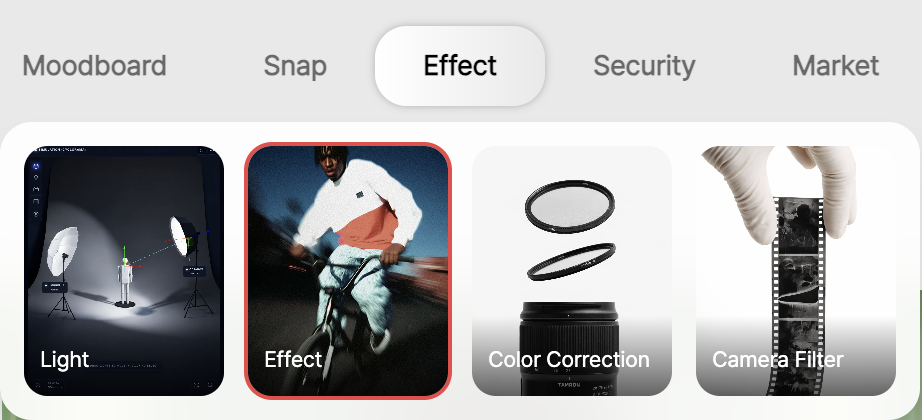
Open the Effects menu.
Select the photos you want to apply effects to.
Select one or more effects you want.
If applying to multiple photos, select the images you want to apply them to together.
Tap Create to check the results.
💡Note
If you use the images for sales purposes, check after applying effects that the actual product color, material texture, and brightness have not changed significantly from the original.In particular, it’s a good idea to review whether clothing colors, fabric textures, skin tones, or background tones have changed too much.
Even if you apply the same effect to multiple photos, the results may look slightly different if the lighting or background of the original photos is different.
Before using the final images on product detail pages, lookbooks, or social media, check the overall tone together.
Conclusion
RealSnap Effects is a useful feature for fashion brands when they want to quickly organize multiple images with the same mood.
You can apply multiple effects at once or apply the same effect to multiple photos to make the tone of lookbook, product detail page, and social media content more consistent.
If you have multiple new product images or need to quickly unify the mood of campaign shots, try using Effects to organize the overall tone first.