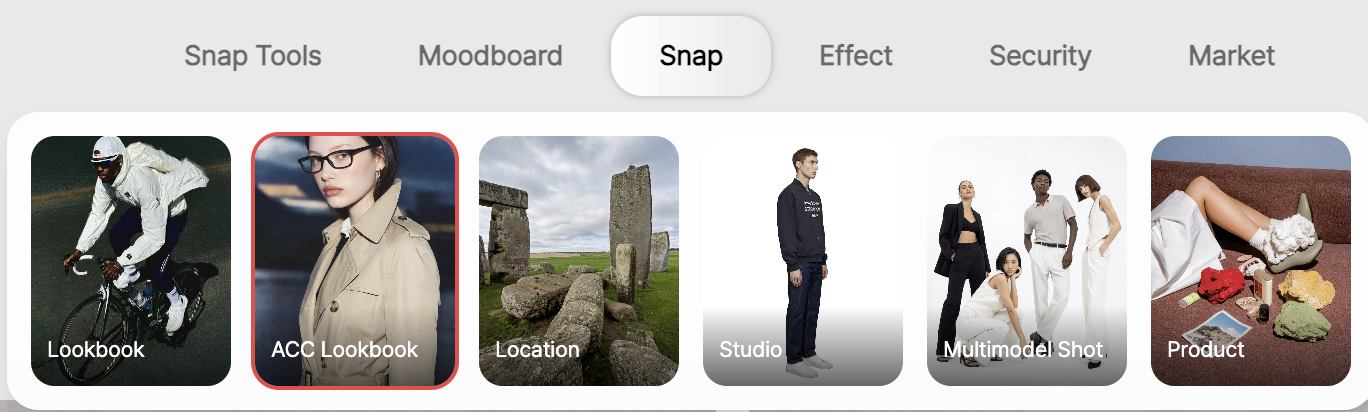
RealSnap ACC Lookbook is a feature that creates AI lookbook images centered on accessories such as bags, hats, jewelry, and shoes.
Choose the mood and pose you want from the categories, and quickly create accessory try-on shots for product detail pages, social media, and campaigns.
It’s hard to show how accessories feel when worn with product shots alone
Accessories are smaller than clothing, and their mood can change greatly depending on where they are worn and how they are styled.
That’s why product shots alone often aren’t enough to fully show the real try-on feel or styling mood.
For example, a bag can feel different depending on how it’s held, and jewelry can have a different presence depending on the face angle or upper-body composition.
To help reduce these issues, ACC Lookbook lets you choose moods and poses that show accessories clearly and create lookbook images in the form of try-on shots.
1. Set the overall mood of your accessory lookbook with a mood reference
In ACC Lookbook, you can first choose a mood reference to set the overall atmosphere.This step is the starting point for defining the background feel, shooting tone, and brand mood of your accessory lookbook.
For example, you can choose a mood that fits your brand, such as minimal, everyday, luxurious, or street-inspired.
You can use the selected mood as is, or rename and organize it according to your internal standards.
2. Make accessories stand out with pose categories
In ACC Lookbook, you can also select a pose category.Because placement is important for accessories, the pose you choose can make the product more or less visible.
For bags, poses where the model holds the bag or wears it on the shoulder are important, while for hats, the face and upper-body composition matter.
For jewelry, poses that clearly show the neckline, hands, ears, and upper body work well, and for shoes, full-body or lower-body poses are more suitable.
Choosing the right pose helps show the accessory’s usage feel and styling mood more naturally.
3. Quickly create accessory images for product detail pages, social media, and campaigns
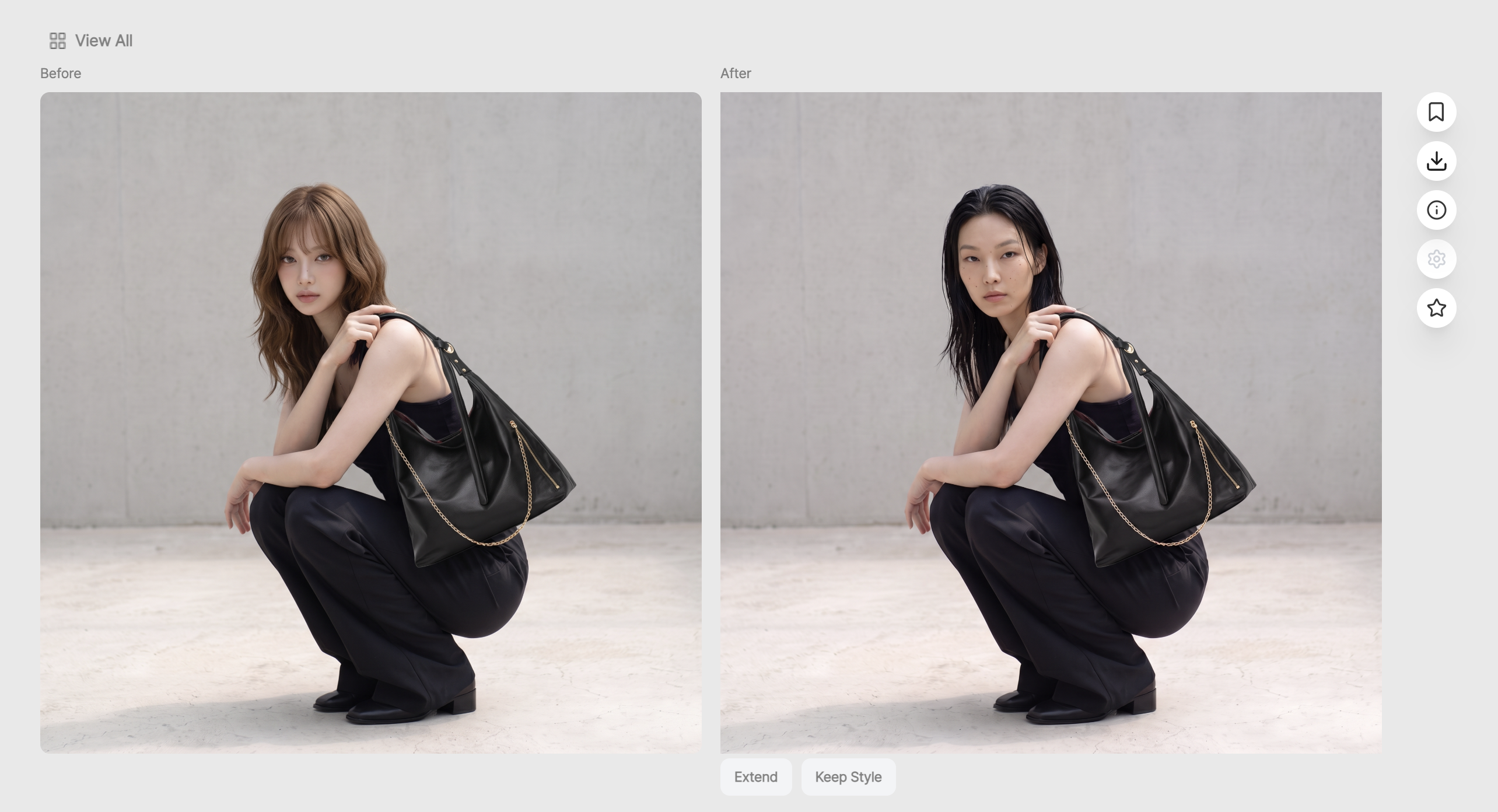
ACC Lookbook is useful when you want to show accessories not just as simple product images, but as try-on images and styling images.You can test the same product with different moods and poses to compare which image fits your brand better.
On product detail pages, you can show the real try-on mood, while on social media, you can create styling-focused images.
For campaigns, you can use them as visuals that express your brand concept with more polish.
How to use
- Open the ACC Lookbook menu.
- Select a mood category that suits your accessory lookbook.
- Select a pose category that shows the product clearly.
- Review the necessary settings, then generate the image.
- Check the results and use them for product detail pages, lookbooks, and social media content.
💡 Note
If you plan to use the images for sales, make sure the actual product’s shape, color, and wearing position are represented naturally.Especially for products where details matter, such as jewelry, shoes, and bags, it’s best to zoom in on the result images and review whether the material texture and shape look natural.
Conclusion

ACC Lookbook is a useful feature for fashion brands when they want to show accessory products as try-on shots or lookbook images.
By selecting mood and pose categories, you can turn products where styling is important—such as bags, hats, jewelry, and shoes—into more natural and polished images.
If you’re preparing try-on images for product detail pages, social media content, seasonal campaigns, or brand lookbooks, it’s a good idea to first test the visual direction for your accessories with ACC Lookbook.